
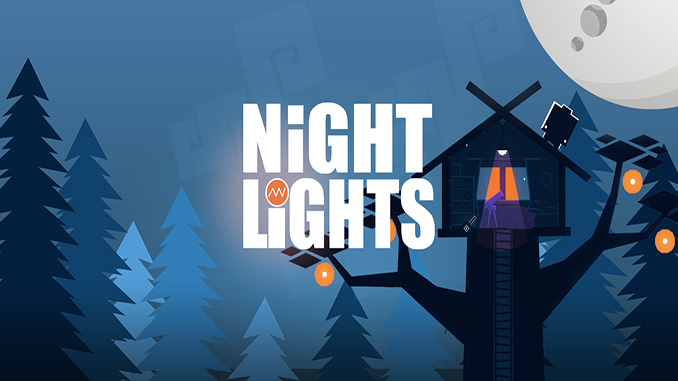
The world is different at night. Take on the role of a tiny robot and embark on an adventure to illuminate a darkened planet. Learn the tricks around the incredibly unique mechanic of manipulating light and shadow to change the surrounding environment, solve intricate puzzles, and ultimately collect shards to resurrect a fallen star.
Features
– Manipulate light and shadow to explore and cut through the world
– Collect crystals to activate different tools & light sources
– 45 levels each with its own puzzles and unique solution
– Navigate complex platforms and find the portable light bulb for even more puzzle-solving gameplay
Minimum System Requirements:
System: Windows 10
Processor: Intel Core i3 1.8 GHz
Memory: 4 GB RAM
Graphics: Intel HD 4000
DirectX: Version 9.0c
Storage: 250 MB available space
Sound Card: DirectX Compatible Sound Card
Additional Notes: Mouse, Keyboard
Screen Shots:


Video(s):
FreeGOGPCGames.com Presents
Night Lights (c) Meridian4, Grave Danger Games / Meridian4
At night the world changes. Night Lights is reminiscent of both the TV series Mystery Events and the movie WALL-E, and is a unique 2D puzzle platformer. A tiny robot faces the challenge of lighting up a darkened planet and begins to learn how to play with the resources around it. The game features a completely unique mechanic that allows you to manipulate light and shadow, changing the environment, solving complex problems and, ultimately, collecting pieces to resurrect a fallen star.
More info here: https://www.gog.com/en/game/night_lights
How to Download & Install
- Click the DRM-Free Night Lights download link below.
- Wait for the download client to finish (100%), then locate the downloaded files/folder.
- Install the game:
– Run or Double click setup_night_lights_1.3.5_(52940). exe - Once installation is complete, launch the game and enjoy!
Support the developers: If you like the game, please consider buying the official version.
Need help? Visit our FAQs page for common issues and solutions.
Download Here⇩
Official DRM-Free GOG installer – no activation or online account required to play.
Size: 90.2 MB
Night Lights v1.3.5 [GOG]