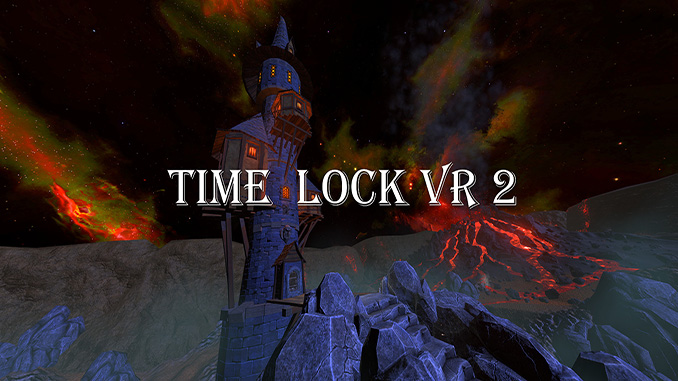
Mystical version of the Timelock VR Games series.

×

DRM-Free Download Full GOG Games
Support the developers: If you like the game, please consider buying the official version.
Need help? Visit our FAQs page for common issues and solutions.
Official DRM-Free GOG installer – no activation or online account required to play.
Size: 1.87 GB
Time Lock VR 2 v2.4 [GOG]
We are keeping some of the old links and patches to make sure you can revert back to old version if you have problem with the latest version.
Old Link/s:
No old links at the moment
The player has to free the soul of the ancestor imprisoned by the sorcerer in a magic stone.
To solve riddles, you will need to move in time.
Be careful, at the time of moving something may go wrong.
In a dream, the player is his ancestor and asks to free his soul.
Find a place in which the element is hidden in which his soul is imprisoned.
Hurry to put everything into place.

Explore every corner in its path.

Be ready for an unexpected battle with dark forces!

Recommended System Requirements:
System: Windows 7/8/8.1/10 (64 bit)
Processor: Intel Core i5-4590 / AMD FX 8350
Memory: 8 GB RAM
Graphics: GeForce GTX 1060
DirectX: Version 11
Storage: 5 GB available space
Requires a 64-bit processor and operating system
Time Lock VR 2 (c) Whale Rock Games / Whale Rock Games
Mystical version of the Timelock VR Games series.
The player has to free the soul of the ancestor imprisoned by the sorcerer in a magic stone.
To solve riddles, you will need to move in time.
Be careful, at the time of moving something may go wrong.
More info here: Time Lock VR 2 on GOG. If you like the game support the devs.