
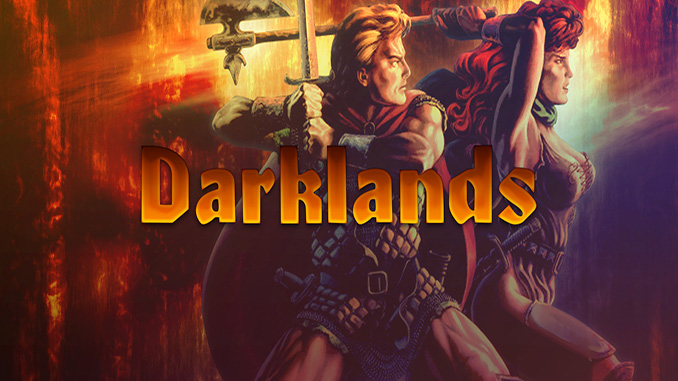
Prepare yourself to enter Darklands – the first realistic fantasy role-playing game. Leading a band of four adventurers across the sinister landscape of 15th Century Germany, you’ll face the Middle Ages as people believed it to be: land filled with mythical beasts, religious power-mongers, and bloodthirsty robber-knights!
Watch savage battles unfold before your eyes! Travel hundreds of miles by land and sea from Frisian Coast to Bohemia, from the alps to Prussia, visiting over ninety cities along the way.
Your quest for fame and fortune can take you through raucous city streets and dark mine shafts, or from a robber knight’s tower to the terrifying Witches’ Sabbath! Get ready for the astonishing wonders of a realistic fantasy adventure in the mysterious Darklands!
– One of “The Greatest Games Of All Time” according to Gamespot®.
– Improve each character’s attributes and skills as the game progresses. No artificial character classes or levels!
– Active pause system lets you to freeze the action and give new orders to characters any time you wish.
Minimum System Requirements:
System: Windows XP / Vista / 7 / 8 / 10
Processor: 1.8 GHz
Memory: 512 MB RAM
Graphics: 3D graphics card compatible with DirectX 7 (compatible with DirectX 9 recommended)
Storage: 2GB HDD
Screen Shots:


FreeGOGPCGames.com Presents
Darklands (c) MPS Labs / Ziggurat Interactive
Prepare yourself to enter Darklands – the first realistic fantasy role-playing game. Leading a band of four adventurers across the sinister landscape of 15th Century Germany, you’ll face the Middle Ages as people believed it to be: land filled with mythical beasts, religious power-mongers, and bloodthirsty robber-knights!
More info here: https://www.gog.com/game/darklands
How to Download & Install
- Click the DRM-Free Darklands download link below.
- Wait for the download client to finish (100%), then locate the downloaded files/folder.
- Install the game:
– Run or Double click setup_darklands_2.0.0.6. exeNote: the download link includes the german installer just pick the language you need to cut off the download size.
- Once installation is complete, launch the game and enjoy!
Support the developers: If you like the game, please consider buying the official version.
Need help? Visit our FAQs page for common issues and solutions.
Download Here⇩
Official DRM-Free GOG installer – no activation or online account required to play.
Size: 598.9 MB
Darklands v2.0.0.6 [GOG]