Ever wondered what a cross between Tetris and Lemmings would look like? Well, wonder no more, ’cause… MouseCraft is here!

×

DRM-Free Download Full GOG Games
Support the developers: If you like the game, please consider buying the official version.
Need help? Visit our FAQs page for common issues and solutions.
Official DRM-Free GOG installer – no activation or online account required to play.
Size: 1.09 GB
MouseCraft v1.20 [GOG]
Old Link/s:
No links available at the moment.
Ever wondered what a cross between Tetris and Lemmings would look like? Well, wonder no more, ’cause… MouseCraft is here!
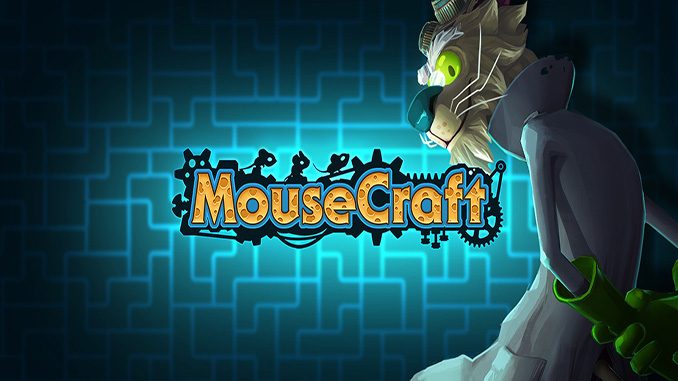
MouseCraft is an A to B puzzle game where players help mice in their relentless quest for cheese by stacking the world’s most famous blocks: Tetrominos. Starring: Mad Cat Scientist, Three Blind Mice and tons of irresistibly delicious Cheese.
– Experience a remix of two classic gameplay mechanics: Pile up Tetromino bricks to create a safe path for as many mice as possible.
– Discover an epic tale of a crazy cat scientist who is striving to unlock the potential of a mysterious, mice-powered machine.
– Defeat obstacles, overcome gaps and gather collectibles by using different types of blocks, be them explosive, crumbling or even jelly ones.
– Get involved by creating your own maps and show off your creativity by sharing them with our community (coming soon!).
MouseCraft (c) Crunching Koalas / Crunching Koalas
More info here: MouseCraft on GOG. If you like the game support the devs.