
StarVaders
StarVaders is a turn-based tactical strategy game where players command a starfighter squadron defending Earth from an alien invasion. Deploy and upgrade spacecraft, manage energy resources, and position units on a grid to counter enemy movements. Research new technologies between missions to unlock advanced weapons, shields, and tactical abilities. Each mission requires careful planning to balance offense and defense while protecting civilian structures and key locations.

StarVaders Overview
Pilot a powerful mech to fight off the alien invasion in this ULTIMATE fusion of deckbuilding and grid-based tactics. Discover game-breaking combos, rewind time to alter your fate, and protect the future of humanity in this endlessly replayable roguelike.
- Craft the ultimate deck from the 400 unique cards and artifacts available!
- Choose from 3 powerful mechs, each with completely distinct playstyles and mechanics
- Master 10 diverse pilots, each adding new cards, mechanics, and a personal backstory!
- Use Chrono Tokens to rewind time, undo mistakes, or land that perfect combo
- Battle through the multi-part story campaign and uncover a secret finale!
- Endless replayability with ascending difficulties, daily runs, and challenge modes
- Designed for clarity and intuition—no long tutorials, no wiki required, just pure tactical deckbuilding

The alien invasion has shattered Earth’s defenses. Pilot, the fate of humanity now rests in your hands. Take the helm of a powerful mech and fight off the invasion—one card at a time.
StarVaders combines tactical grid-based combat with deckbuilding strategy, placing you in command of a formidable mech during humanity’s last stand against the invaders. Build up a deck of powerful cards, unleash devastating combos, and defend the Earth at all costs!
Pilot Your Mech Into Battle!
Every mech in StarVaders has its own squad of pilots. Each mech introduces unique cards and mechanics, while your pilot further enhances your strategy with their distinct, powerful abilities.
Take command of the Gunner Mech to unleash an endless flurry of bullets and explosions, get up close and personal with the ninja-like Stinger Mech, or unleash the powerful spells and summons of the Keeper Mech!
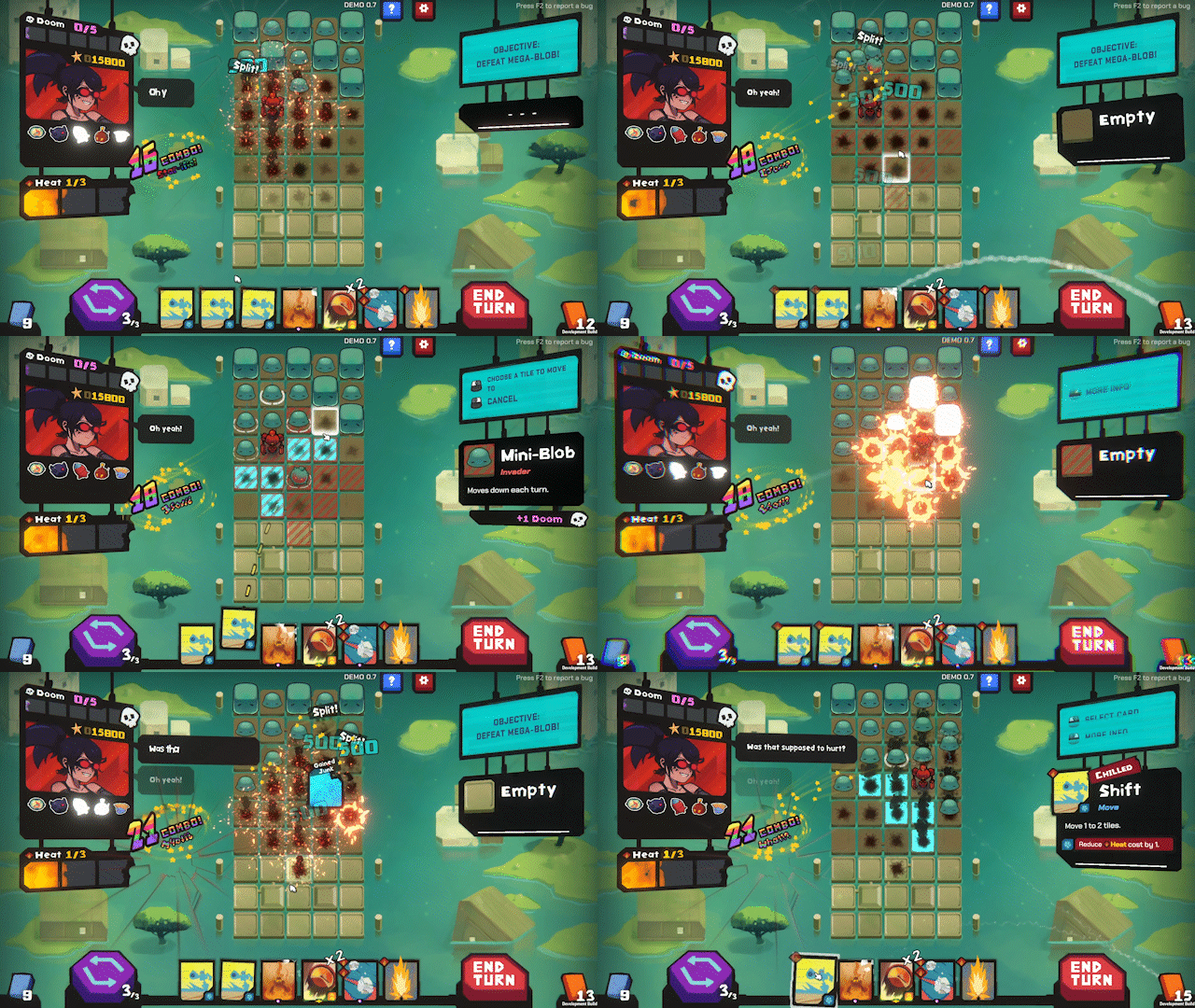
Discover Game-Breaking Combos!
Unleash game-breaking combos, outsmart the invaders, and push your build to the limit against ever-escalating threats. With hundreds of cards, artifacts, and upgrades, no two runs are ever the same.
Missed a perfect combo or found yourself cornered by the invaders? Use a Chrono Token to rewind time and rewrite your fate.
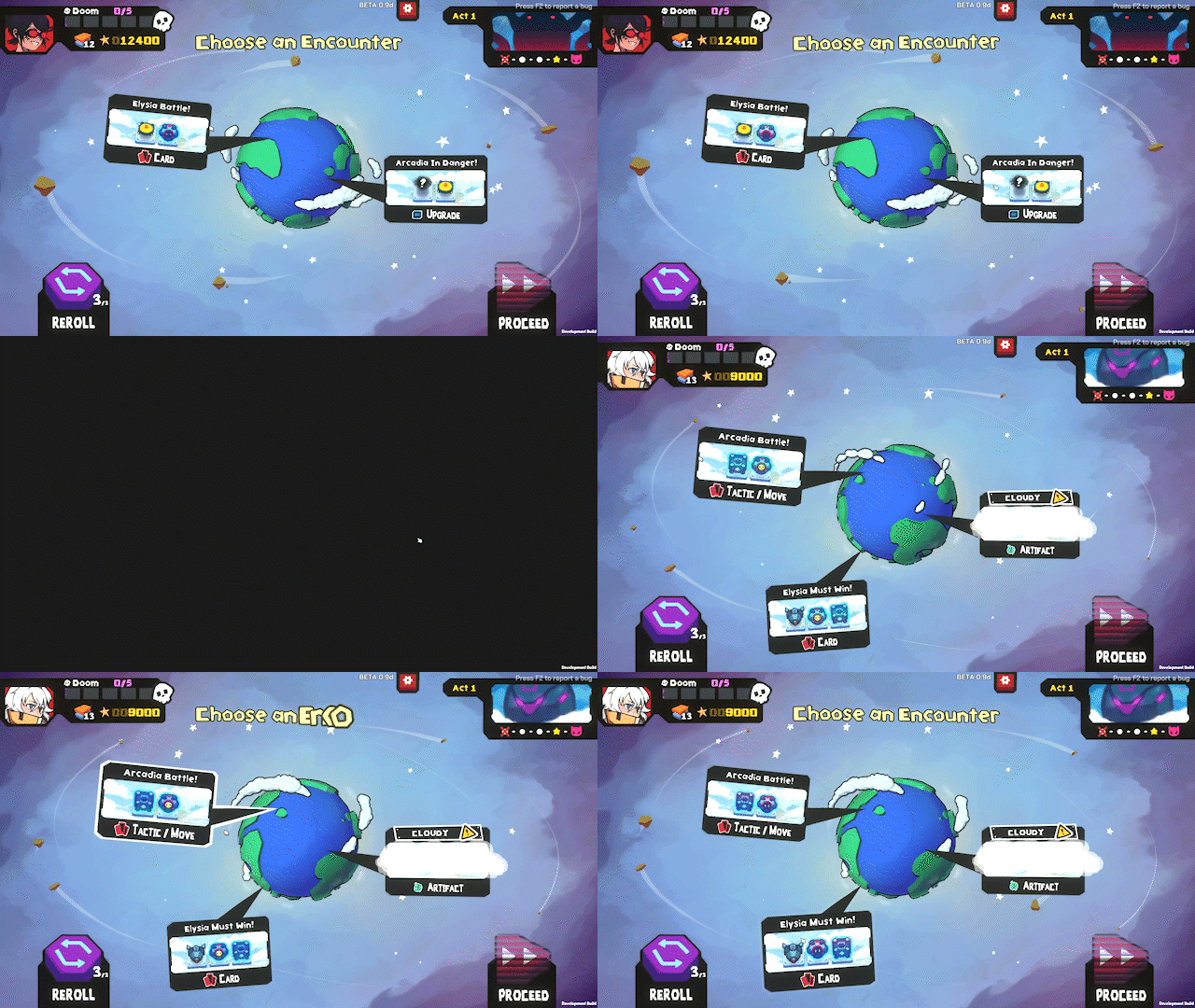
Endless Replayability
After each run, unlock powerful new cards, pilots, and deadlier enemies and bosses that raise the stakes in future battles. There’s an endless supply of builds and combos to discover every time you play.
Ready to push your limits? Take on the various Challenge Modes or dive into the Daily Run to really prove what you’re made of!

System Requirements
- System: Windows XP, Vista, 7, 8/8.1, 10, 11
- Processor: 2.0 GHz
- Memory: 4 GB RAM
- Graphics: 4 GB Video Memory
- Storage: 3 GB available space
StarVaders Free Download
Additional Download Details
Free GOG PC Games PRESENTS:
StarVaders © Pengonauts / Joystick Ventures, Playworks
We only provide full unmodified DRM-free GOG installers. No serial key, activation, or crack needed.
Latest we have v2.0.5 + DLC –> Check version info and changelog
Instructions
- Click the download button. You can also select a previous version if available.
- You’ll be redirected to Vidgazoo. Wait 5 seconds, then directly click the button or copy the link.
- Make sure you have a supported download client installed (it’s free here) before downloading.
- Once the download process reaches 100%, locate the downloaded files.
- Get ready for installation and make sure you have enough disk space for the game.
- To Install DRM-free StarVaders:
- Run or double-click
setup_starvaders_********.exeto launch the installer. - Follow the on-screen instructions to complete the installation.
- If a DLC folder is included, run any
.exefiles inside it as well.
- Run or double-click
- Once the installation is complete, launch the game and start playing.
Need help?
Check our FAQs for common questions and fixes. If you need additional assistance, you can also visit the official GOG Support Center.


