
Devil May Cry HD Collection
Updated v1.0_gog
Updated January 3, 2026 5:06 am (6 months ago)
Devil May Cry HD Collection bundles the first three games of the stylish action series, remastered with higher resolutions and smoother framerates. Slash through demon hordes with over-the-top combos, switch between characters, and follow the origins of Dante's devil-hunting legacy.


Devil May Cry HD Collection overview
The popular stylish action games Devil May Cry, Devil May Cry 2, and Devil May Cry 3 Special Edition return in one collection!
As Dante, the ultimate devil hunter, you’ll join forces with appealing characters such as Trish, Lady, and Lucia and enjoy incredible action for the first time in blistering 60fps.
Devil May Cry: The first appearance of Dante, the ultimate devil hunter! With the blood of a legendary demon warrior flowing through his veins, Dante takes on the king of the underworld, Mundus.

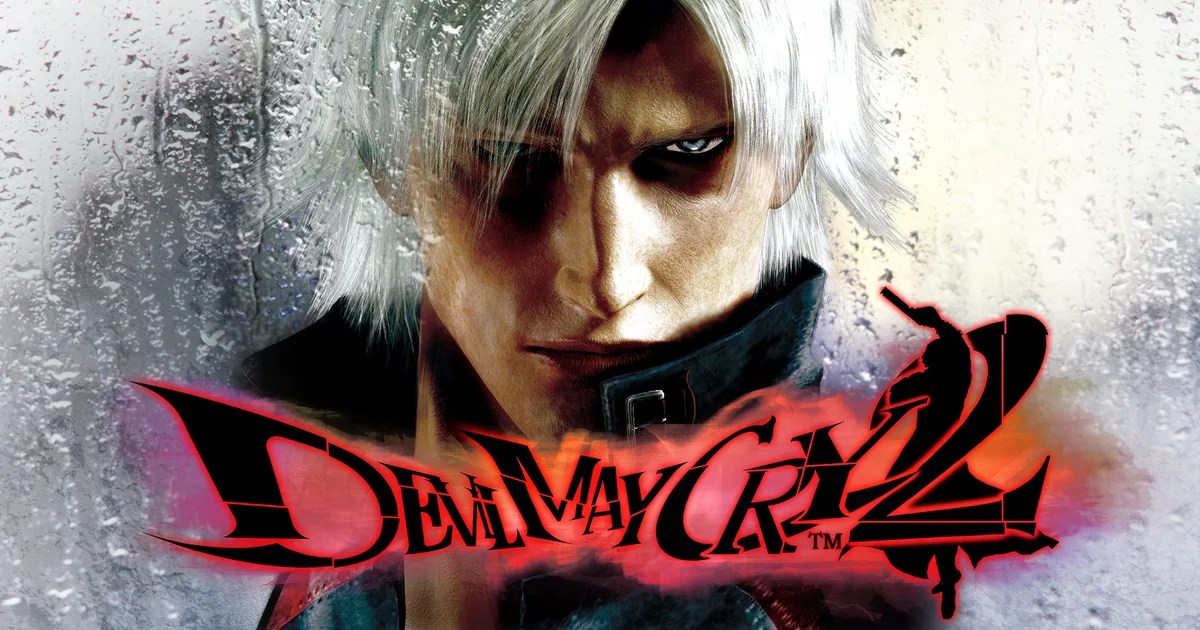
Devil May Cry 2: Dance with the devil. Set decades after the first game, this sequel adds moves like the wall run and Rain Storm, bringing Dante’s action to the next level of stylishness. The bonus mode Bloody Palace also makes its debut.
Devil May Cry 3 Special Edition: This prequel to the first Devil May Cry introduces Vergil, Dante’s twin brother. Customize your game style by selecting from various styles to level up and gain new moves and abilities.

Will this game run on your PC?
Minimum
- System: WINDOWS®10 (64bit)
- Processor: Intel® Core™ i3 series (dual-core) or AMD equivalent or better
- Memory: 4 GB RAM
- Graphics: NVIDIA® GeForce® GTX 760 or AMD Radeon™ R7 260x
- DirectX: Version 9.0
- Storage: 12 GB available space
- Sound Card: DirectSound (DirectX® 9.0c or better)
- Additional Notes: *Recommended Controller Xbox 360 Controller (Windows®7/8/8.1) Xbox One Wireless Controller (Windows®10)
Recommended
- System: WINDOWS®10 (64bit)
- Processor: Intel® Core™ i7 3770 3.4GHz or AMD equivalent or better
- Memory: 8 GB RAM
- Graphics: NVIDIA® GeForce® GTX 960
- DirectX: Version 11
- Storage: 12 GB available space
- Sound Card: DirectSound (DirectX® 9.0c or better)
- Additional Notes: *Recommended Controller
- Xbox 360 Controller (Windows®7/8/8.1)
- Xbox One Wireless Controller (Windows®10)
Download, Install, and Play
- Click the download button to get the link. You’ll be redirected to our link generator.
- Once you’re there, you can either copy the link or open it directly.
- Before you begin, make sure you have a supported torrent client installed.
- Download Devil May Cry HD Collection (latest) [latest]. Wait until it is 100% complete, then locate the files.
- Install the game:
- Run or double-click
setup_********.exe. - If a DLC folder is included, run any
.exefiles inside it as well.
- Run or double-click
- After the installation is complete, launch the game and start playing.
- Enjoyed the game? Consider purchasing it from the official store to support the developers.
Need help?
Check our FAQs for common questions and fixes. If you need additional assistance, you can also visit the official GOG Support Center.


