
Devil May Cry HD Collection v1.0_gog
Devil May Cry HD Collection includes the first three games in the series: Devil May Cry, Devil May Cry 2, and Devil May Cry 3: Special Edition. Each title has been remastered with higher resolution support and improved framerates for modern PC displays. Players control Dante as he battles demonic forces using swordplay, firearms, and stylish combo systems. The collection features over-the-top action, character switching in Devil May Cry 3, and story progression that explores Dante's origins as a devil hunter. Gameplay emphasizes precise timing, weapon switching, and ranking-based combat evaluation. All three games retain their original mechanics while benefiting from enhanced visual clarity and performance.
Show 1 more game badges

Devil May Cry HD Collection Overview
The popular stylish action games Devil May Cry, Devil May Cry 2, and Devil May Cry 3 Special Edition return in one collection!
As Dante, the ultimate devil hunter, you’ll join forces with appealing characters such as Trish, Lady, and Lucia and enjoy incredible action for the first time in blistering 60fps.
Devil May Cry: The first appearance of Dante, the ultimate devil hunter! With the blood of a legendary demon warrior flowing through his veins, Dante takes on the king of the underworld, Mundus.

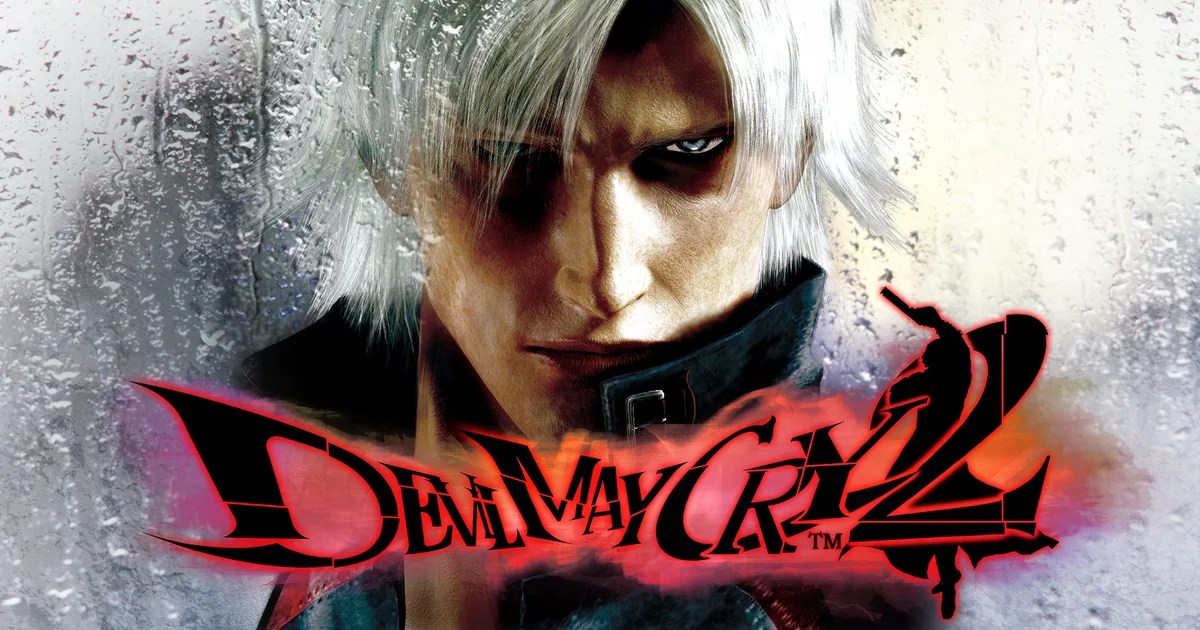
Devil May Cry 2: Dance with the devil. Set decades after the first game, this sequel adds moves like the wall run and Rain Storm, bringing Dante’s action to the next level of stylishness. The bonus mode Bloody Palace also makes its debut.
Devil May Cry 3 Special Edition: This prequel to the first Devil May Cry introduces Vergil, Dante’s twin brother. Customize your game style by selecting from various styles to level up and gain new moves and abilities.


System Requirements
- System: Windows 10 (64bit)
- Processor: Intel® Core™ i3 series (dual-core) or AMD equivalent or better
- Memory: 4 GB RAM
- Graphics: NVIDIA® GeForce® GTX 760 or AMD Radeon™ R7 260x
- DirectX: DirectX 9.0
- Storage: 12 GB available space
- Additional Notes: DirectSound (DirectX® 9.0c or better); *Recommended Controller Xbox 360 Controller (Windows®7/8/8.1) Xbox One Wireless Controller (Windows®10)
- System: Windows 10 (64bit)
- Processor: Intel® Core™ i7 3770 3.4 GHz or AMD equivalent or better
- Memory: 8 GB RAM
- Graphics: NVIDIA® GeForce® GTX 960
- DirectX: DirectX 11
- Storage: 12 GB available space
- Additional Notes: DirectSound (DirectX® 9.0c or better); *Recommended Controller; Xbox 360 Controller (Windows®7/8/8.1); Xbox One Wireless Controller (Windows®10)
Devil May Cry HD Collection Free Download
Additional Download Details
Free GOG PC Games PRESENTS:
Devil May Cry HD Collection © Capcom / Capcom
We only provide full unmodified DRM-free GOG installers. No serial key, activation, or crack needed.
Latest we have v1.0_gog –> Check version info and changelog
Interface language: English, French, Italian, German, Spanish, Japanese, Chinese (traditional), Chinese (simplified)
Voice language: English
The download includes:
– Devil May Cry
– Devil May Cry 2
– Devil May Cry 3
Easy to Download, Install and Play
- Click the download button. You can also select a previous version if available.
- You’ll be redirected to Vidgazoo. Wait 5 seconds, then directly click the button or copy the link.
- Make sure you have a supported download client installed (it’s free here) before downloading.
- Once the download process reaches 100%, locate the downloaded files.
- Get ready for installation and make sure you have enough disk space for the game.
- To Install DRM-free Devil May Cry HD Collection:
- Run or double-click
setup_devil_may_cry_hd_collection_********.exeto launch the installer. - Follow the on-screen instructions to complete the installation.
- If a DLC folder is included, run any
.exefiles inside it as well.
- Run or double-click
- Once the installation is complete, launch the game and start playing.
Need help?
Check our FAQs for common questions and fixes. If you need additional assistance, you can also visit the official GOG Support Center.


