
Project Afterfall
Project Afterfall is a turn-based strategy-survival RPG set in a retro-futuristic urban fantasy world shaped by Slavic folklore, a thousand years after Thea: The Awakening. Players customise their hero’s gender, class, and race while recruiting NPC allies to explore wastelands, rebuild a colony, and engage in tactical card-based combat. The experience features branching narratives, deck-building progression, and survival mechanics where every choice shapes the fate of humanity in a story-rich roguelite adventure.
Show 1 more game badges
Project Afterfall Overview
A dark turn-based strategy-survival RPG blending retro-futuristic urban fantasy with Slavic folklore.
Project Afterfall is a spin-off set in the universe of Thea: The Awakening and Thea 2: The Shattering, a thousand years later in a very different, urban age.
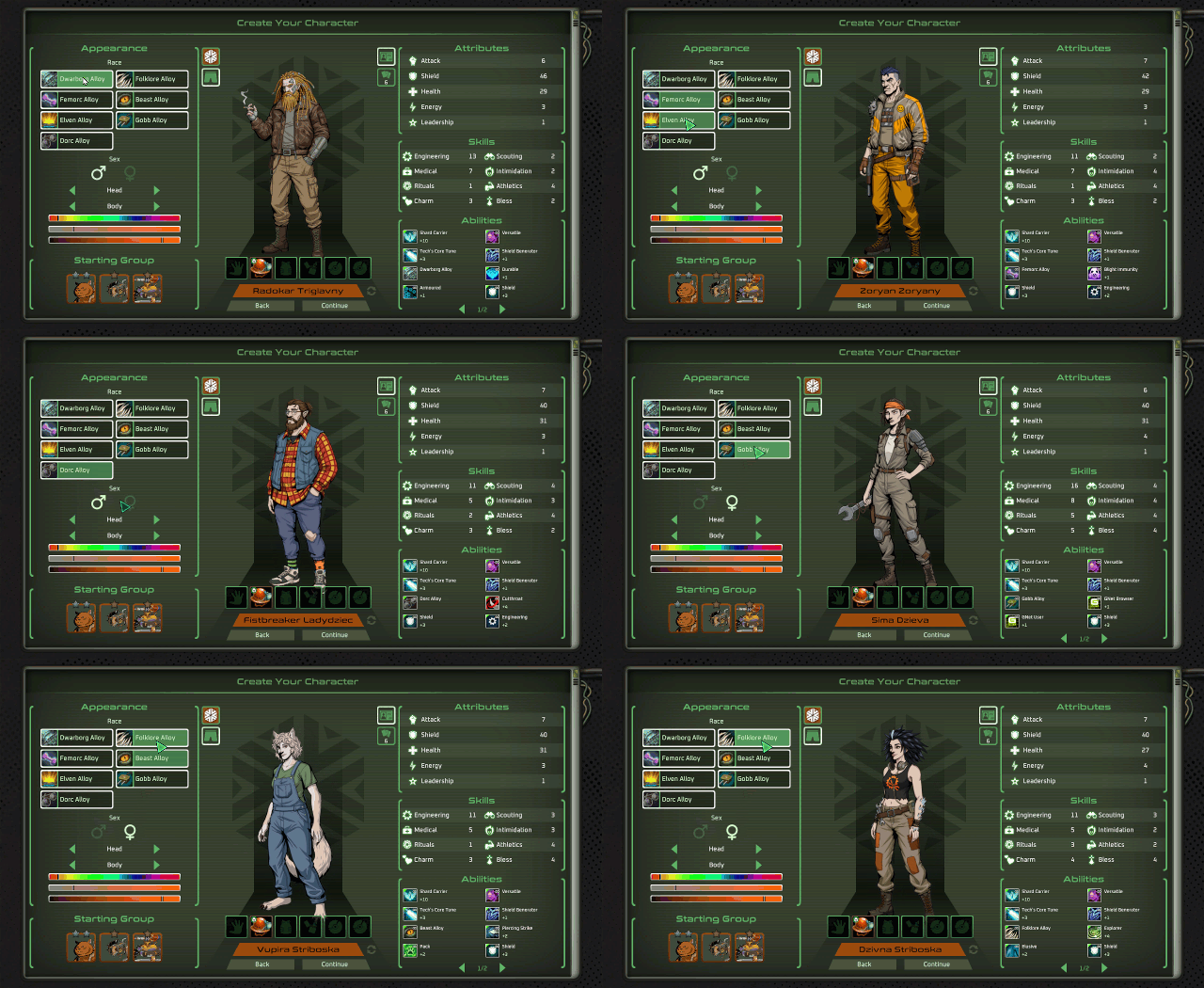
Customise your characters’ gender, class, and race, and recruit NPC allies to explore the wastelands of Thea, rebuild your colony, and engage in tactical card-based combat. Experience branching narratives and character progression, where every choice shapes your survival and the fate of humanity in this story-rich roguelite adventure.
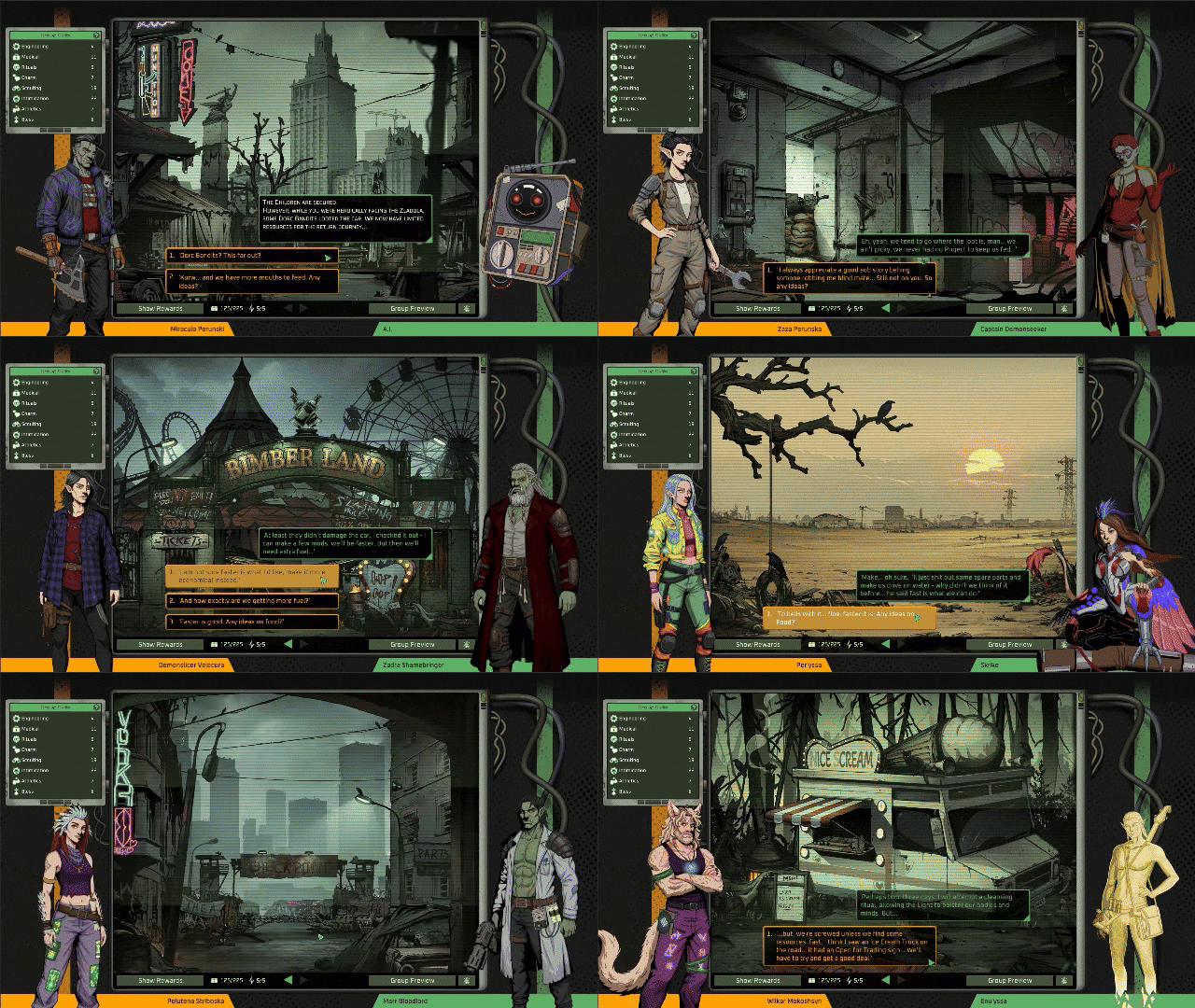

Survive and Explore a Story-Rich Post-Apocalyptic World. Uncover the secrets of Thea through rich storytelling, engaging quests, and diverse points of interest. Scavenge vital resources and face environmental challenges as you navigate a retro-futuristic wasteland shaped by Slavic folklore and mystical ruins.
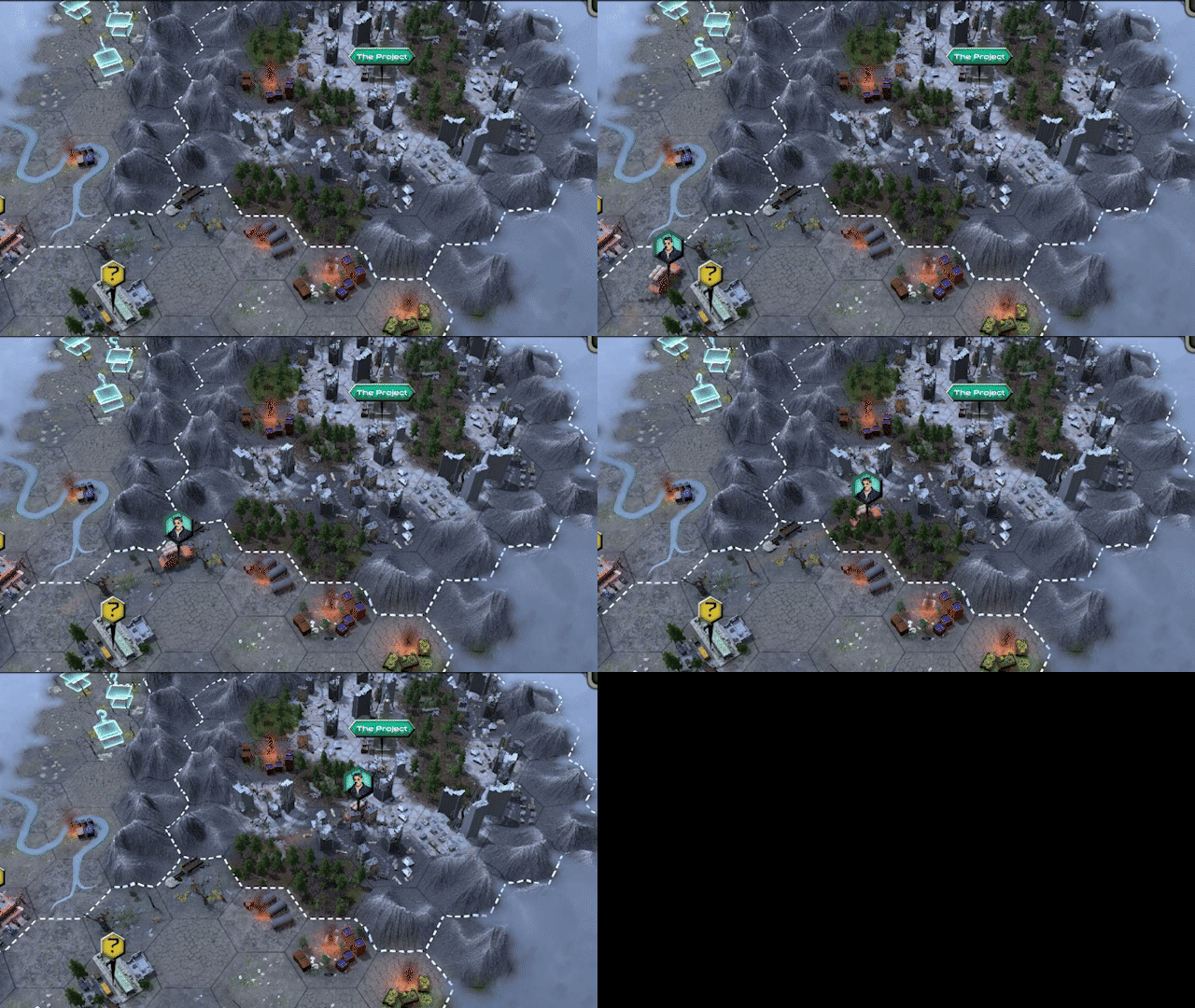
Develop Your Hero and Party. Lead as your main hero while assembling a diverse party of NPC allies, each with unique abilities and personalities. Build and customise your team through deck-building mechanics and character progression, tailoring strategies to overcome the wasteland’s many threats.
Overcome Tactical Challenges. Use your card deck to navigate the perils of a shattered world, resolving both combat and non-combat encounters. Battle monstrous foes in tense, turn-based skirmishes or strike dark bargains with cunning Slavic demons. The tactical use of your deck is essential to outwit enemies!

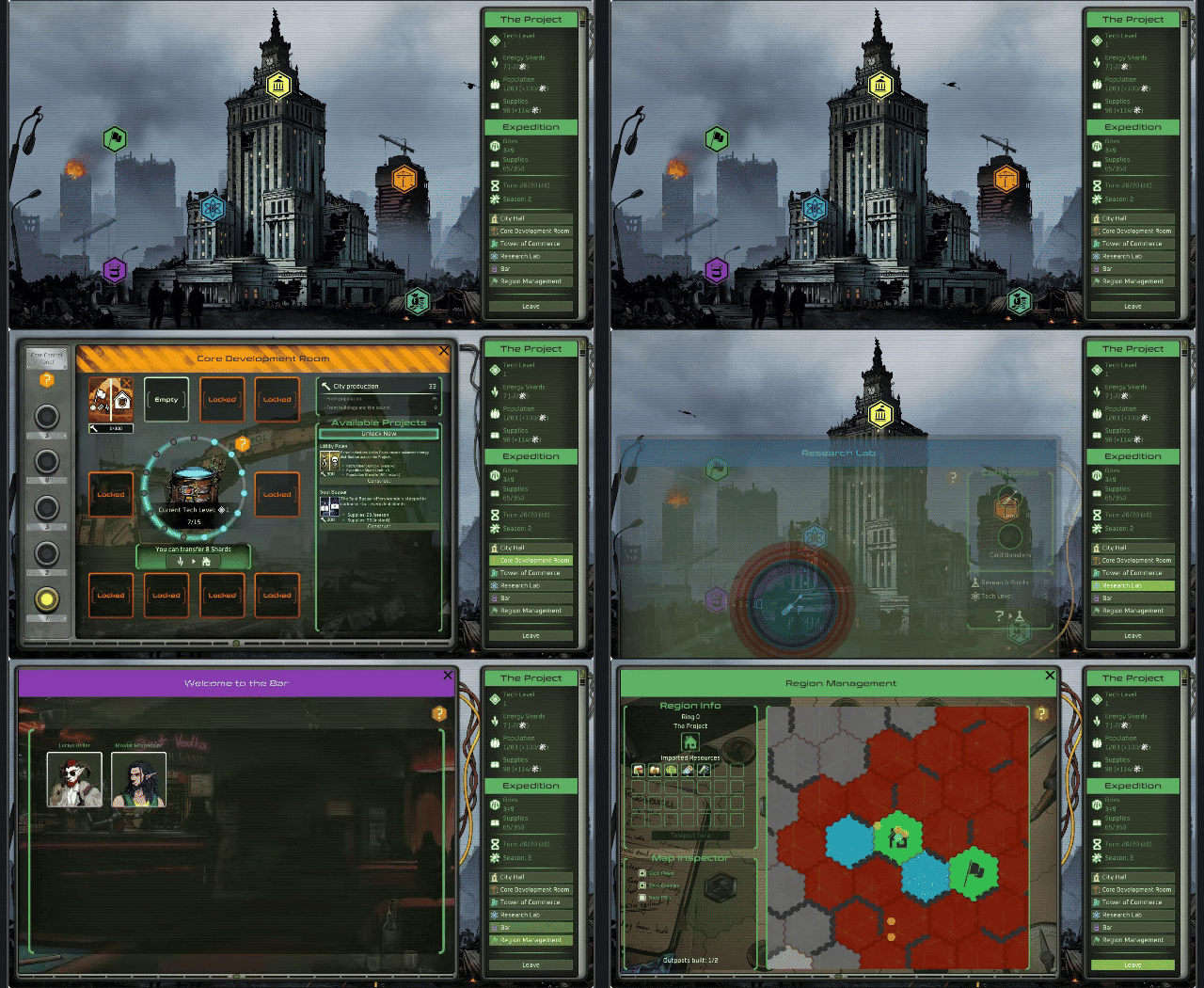
Rebuild and Manage Your Colony. Ensure the survival of your base by recruiting new NPCs for your party, expanding your settlement, and navigating the politics of the town council. Balance growth with survival as you work to revive civilisation in the ruins of humanity.

- Custom Hero Creation: Personalise your hero’s appearance, choose their class, gender, and tailor their abilities to suit your playstyle.
- Branching Story: Every choice changes the story and shapes your future.
- Rebuild & Manage: Rebuild your colony and manage resources in a crumbling world.
- Survive: Stand against the cruelty of the wastelands and enemies out to get you!
- Explore & Gather: Scavenge the land for rare resources and hidden secrets.
- Card-Based Combat: Build your deck and fight with tactical, card-driven battles.
- Craft & Customise: Craft gear, items, and of course some yummy Slavic foods!
- Co-op Mode: Team up with a friend for two-player chaos!
Co-op Compatibility:
Cross-play between GOG and Steam versions is not supported. GOG players can only play with other GOG players.
System Requirements
- System: : Windows 10/11 64-bit
- Processor: : Dual Core 2.2 GHz or better
- Memory: : 8 GB RAM
- Graphics: : DirectX 11 class GPU with 2GB VRAM
- DirectX: : Version 11
- Storage: : 10 GB available space
- Sound Card: : DirectX Compatible Sound Device
- System: : Windows 10/11 64-bit
- Processor: : Quad Core 3.5 GHz or better
- Memory: : 8 GB RAM
- Graphics: : DirectX 11 class GPU with 4GB VRAM
- DirectX: : Version 11
- Storage: : 10 GB available space
- Sound Card: : DirectX Compatible Sound Device
Project Afterfall Free Download
Additional Download Details
Free GOG PC Games PRESENTS:
Project Afterfall © MuHa Games, Eerie Forest Studio / MuHa Games
We only provide full unmodified DRM-free GOG installers. No serial key, activation, or crack needed.
Latest we have –> Check version info and changelog
Publication type : License
Release : GOG
Interface language : English, French, Italian, German, Russian, Spanish, Japanese, Korean, Polish, British Portuguese, Indonesian, Hindi, Chinese (simplified)
Voice language : English
Easy to Download, Install and Play
- Click the download button. You can also select a previous version if available.
- You’ll be redirected to Vidgazoo. Wait 5 seconds, then directly click the button or copy the link.
- Make sure you have a supported download client installed (it’s free here) before downloading.
- Once the download process reaches 100%, locate the downloaded files.
- Get ready for installation and make sure you have enough disk space for the game.
- To Install DRM-free Project Afterfall:
- Run or double-click
setup_project_afterfall_********.exeto launch the installer. - Follow the on-screen instructions to complete the installation.
- If a DLC folder is included, run any
.exefiles inside it as well.
- Run or double-click
- Once the installation is complete, launch the game and start playing.
Need help?
Check our FAQs for common questions and fixes. If you need additional assistance, you can also visit the official GOG Support Center.


