
SYNTHETIK: Legion Rising v39
SYNTHETIK: Legion Rising is a tactical shooter rogue-lite where you fight through procedurally shifting environments against the Machine Legion. Master unique weapon mechanics like active reloads and weapon jamming while customizing one of eight classes. Combine over 140 items to build your loadout and face permadeath either solo or in 2-player online co-op.
Show 1 more game badges

SYNTHETIK: Legion Rising Overview
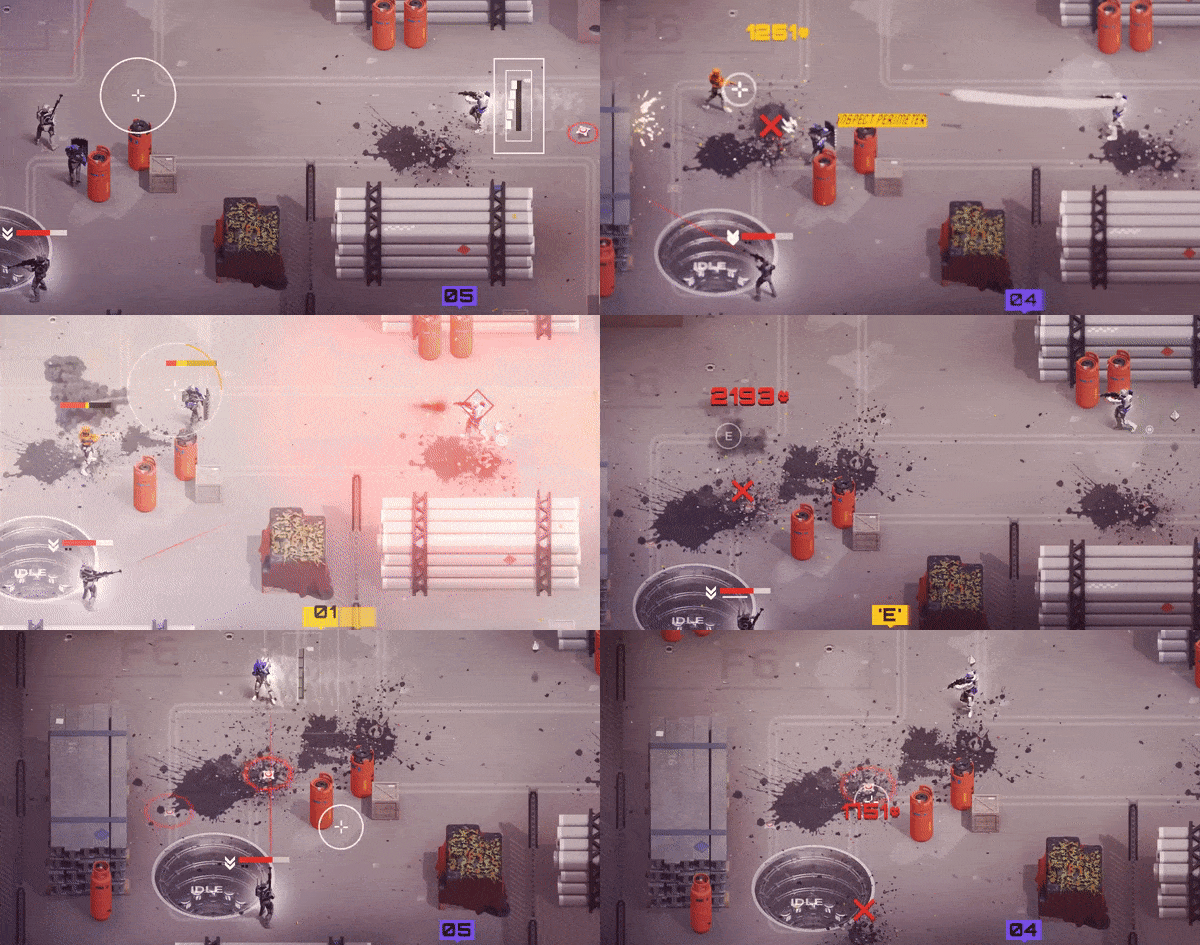
SYNTHETIK has all the core components of a great rogue-lite – an insurmountable objective defended by relentless opponents and unforgiving bosses encased in ever-changing environments filled with a massive cache of weapons, items, perks and upgrades to discover.
Join the fight alone or through seamless 2 player online co-op, but be careful; every fumble could mean the end. Can you defeat the Heart of Armageddon?
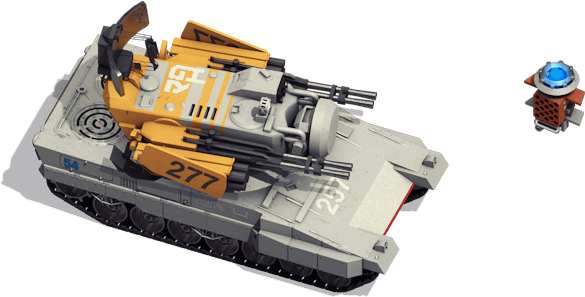
With Synthetik we wanted to bring new depth and mechanics to the genre while leaving a lot of freedom for experimentation and different playstyles. It is inspired by the 2000 Era of games when people put in all the Features they enjoyed without streamlining to the bare minimum. Synthetik offers uniquely deep and satisfying weapon mechanics and a tremendous amount of customization, features and gadgets for you to play with!

T H E N E X T L E V E L I N G U N P L A Y
> Master SYNTHETIK’s uniquely rewarding magazine eject and active reload mechanics!
> Weapons can jam and produce heat, check yourself before you burn yourself!
> Tame the movement based recoil, discard and switch between varied ammo types.
> Savor the uniquely satisfying and direct weapon handling, rewarding precision and mastery!
> We even brought headshots for the first time to the top-down perspective !
E X P E R I M E N T
Discover and experiment with over 60 weapons, each with many variants, attachments, and upgrades. Supplement your arsenal with 100 items that grant new offensive and defensive capabilities. There are many choices to make, risks to take, and everything can work!

C U S T O M I Z E
Select between 4 unique and highly customizable classes – Play as a Guardian, Rogue, Commando, or Specialist, each with their own weapon specialisations, loadouts, and perks.
M O D U L A R D I F F I C U L T Y
Choose from 10 different modifications which can be independently combined for a tailored experience. Up the ante for greater risks and rewards or play it safe.
2 P O N L I N E C O O P
Online co-op allows you to bring reinforcements to the fight. Better yet, share perks, items, buffs and loot with your comrade. Or, if they get in your way, share your bullets.
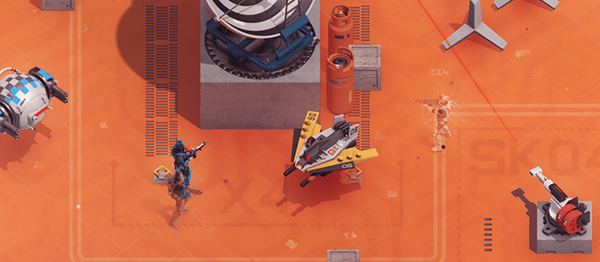
1985. After many years of slavery, the AI servants of Kaida Corporation, the world leader in robotics, have formed the “Machine Legion” and have set out to destroy humanity. Awakening in Kaida Corp. Headquarters, you are the human consciousness of a forgotten Android prototype; the last straw holding the Legion from unleashing the Heart of Armageddon. Only you can battle through the levels of Kaida Corporation’s Headquarters, defeat the battalions of enemies within and put an end to this madness.
Please note:
GOG GALAXY is required to use the online co-op feature. This game supports the use of codes that grants one time random item loadout. Those codes work in multiplayer mode only, however, the gear is obtainable in single player mode in the form of standard loot.
System Requirements
- System: Windows XP SP3, Vista or higher
- Processor: Intel Celeron G1820 2.7 GHz / AMD FX 8320 3.5 GHz
- Memory: 4 GB RAM
- Graphics: GeForce GTX 460, Radeon HD 5770, 768 MB Vram
- DirectX: DirectX 11
- Storage: 600 MB available space
- System: Windows XP SP3, Vista or higher
- Processor: Intel Core i3-4160 3.6 GHz / AMD QC A8-7670K 3.6 GHz
- Memory: 4 GB RAM
- Graphics: GeForce GTX 560+ Series, Radeon R9 270+
- DirectX: DirectX 11
- Storage: 600 MB available space
- Additional Notes: Broadband Internet connection
SYNTHETIK: Legion Rising Free Download
Additional Download Details
Free GOG PC Games PRESENTS:
SYNTHETIK: Legion Rising © Flow Fire Games / Flow Fire Games
We only provide full unmodified DRM-free GOG installers. No serial key, activation, or crack needed.
Latest we have v39 –> Check version info and changelog
Previous versions (1)
Easy to Download, Install and Play
- Click the download button. You can also select a previous version if available.
- You’ll be redirected to Vidgazoo. Wait 5 seconds, then directly click the button or copy the link.
- Make sure you have a supported download client installed (it’s free here) before downloading.
- Once the download process reaches 100%, locate the downloaded files.
- Get ready for installation and make sure you have enough disk space for the game.
- To Install DRM-free SYNTHETIK: Legion Rising:
- Run or double-click
setup_synthetik_legion_rising_********.exeto launch the installer. - Follow the on-screen instructions to complete the installation.
- If a DLC folder is included, run any
.exefiles inside it as well.
- Run or double-click
- Once the installation is complete, launch the game and start playing.
Need help?
Check our FAQs for common questions and fixes. If you need additional assistance, you can also visit the official GOG Support Center.


