
The Longing 1.9.0
The Longing is an idle adventure game where players control a Shade awaiting 400 real-time days for its king to awaken. Time passes even when the game is closed. Players explore hand-drawn underground caves, collect items, solve environmental puzzles, read classic literature excerpts, and make choices that influence multiple endings through solitary discovery and patience.
Show 1 more game badges

The Longing Overview
Unusual mix of an adventure and an idle-game.
Play as a lonely Shade, the last servant of a king who once ruled an underground kingdom. The king’s powers have faded and he falls asleep for 400 days to regain his might. It is your duty to stay in the earthen palace until he awakens.
As soon as you start, the game inevitably counts down the 400 days – even when you stop playing and exit the game.
It is now up to you to decide what to do with your solitary existence beneath the soil. Don’t stress yourself, you have plenty of time.
Choose your playing style:
Start the game and simply come back after 400 days to see how it ends. You actually don’t have to play the game at all. But the Shade will be even more lonely without you.
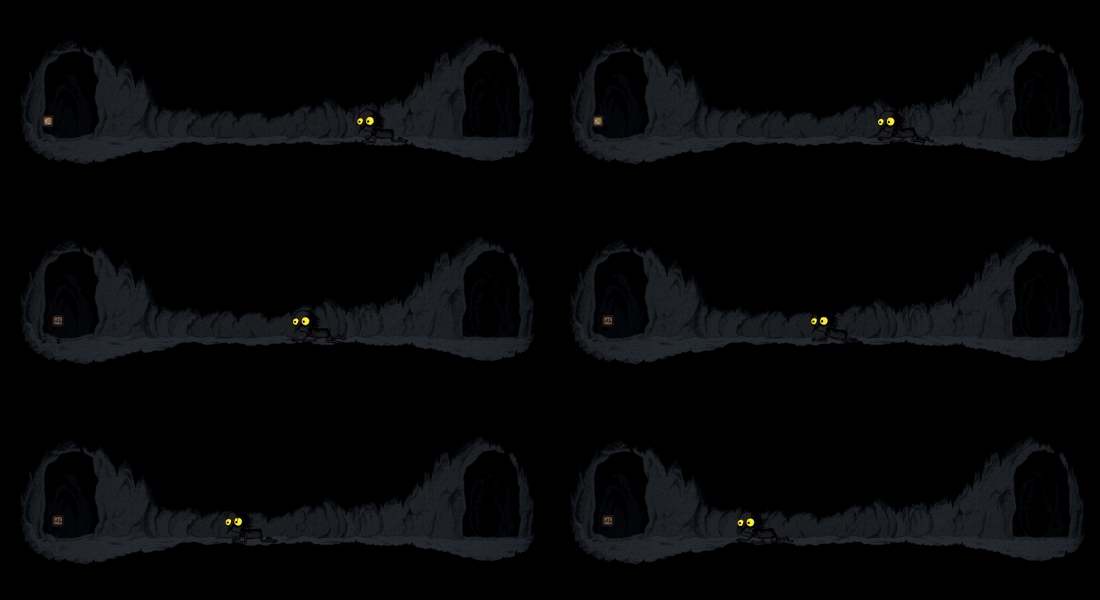
Or explore the caves and collect items for your comfortable underground living room. Just send the Shade to take a stroll – the walking speed is slow, but luckily there is no need to hurry.
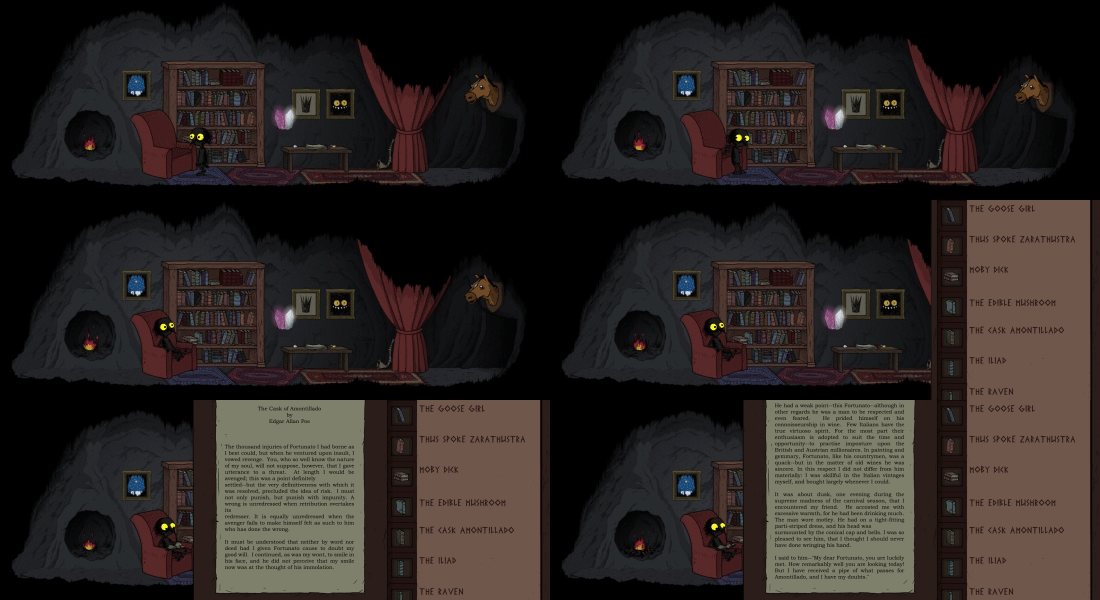
Read tons of classic literature from Nietzsche to Moby Dick right in the game – or at least have the shade read them. After all, time goes by faster if you learn to keep your mind occupied. (The little Shade in the game finds ONLY English books for now.)
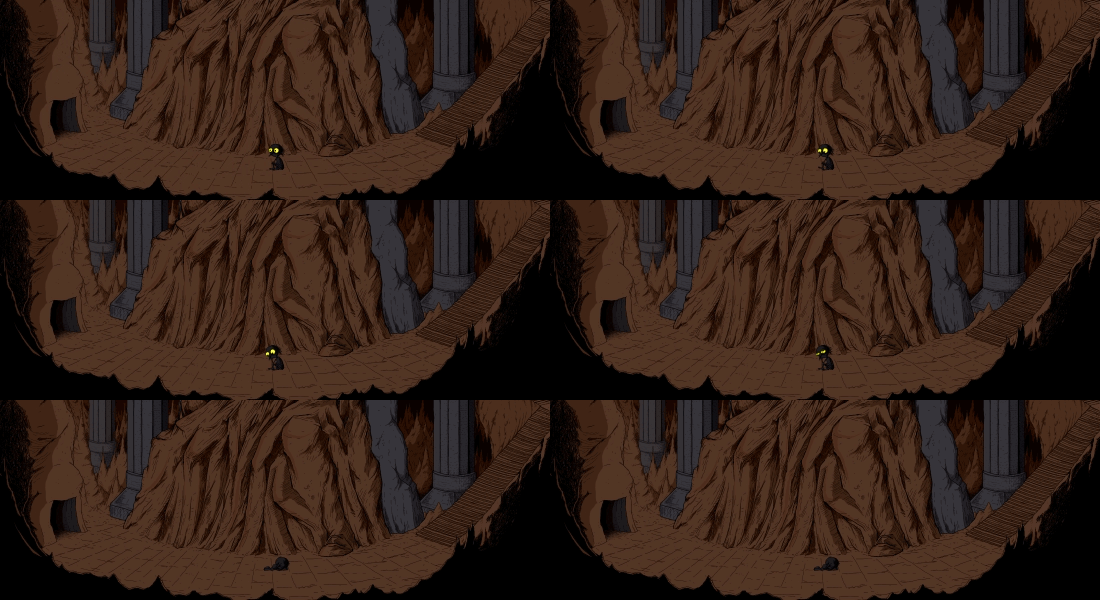
Ignore the king’s commands and advance to the outer regions the cave. It will be a long and dangerous journey into darkness…

Features
- Slow exploration of a vast, hand-drawn cave.
- Atmospheric Dungeon Synth soundtrack.
- Various endings.
- Lots of well hidden secrets.
- Time-based puzzles.
- A lonely but cute protagonist.
System Requirements
- System: Windows 7 / 8 / 10
- Processor: 1.2 GHz
- Memory: 4 GB RAM
- Graphics: 1024 MB VRAM
- Storage: 5 GB available space
The Longing Free Download
Additional Download Details
Free GOG PC Games PRESENTS:
The Longing © Studio Seufz / Application Systems Heidelberg
We only provide full unmodified DRM-free GOG installers. No serial key, activation, or crack needed.
Latest we have 1.9.0 –> Check version info and changelog
Easy to Download, Install and Play
- Click the download button. You can also select a previous version if available.
- You’ll be redirected to Vidgazoo. Wait 5 seconds, then directly click the button or copy the link.
- Make sure you have a supported download client installed (it’s free here) before downloading.
- Once the download process reaches 100%, locate the downloaded files.
- Get ready for installation and make sure you have enough disk space for the game.
- To Install DRM-free The Longing:
- Run or double-click
setup_the_longing_********.exeto launch the installer. - Follow the on-screen instructions to complete the installation.
- If a DLC folder is included, run any
.exefiles inside it as well.
- Run or double-click
- Once the installation is complete, launch the game and start playing.
Need help?
Check our FAQs for common questions and fixes. If you need additional assistance, you can also visit the official GOG Support Center.


