
Carto 0.7.6
In Carto, players guide a young cartographer who can reshape the world by rearranging map tiles to solve environmental puzzles. Explore hand-drawn islands, unlock new abilities, and help quirky characters while uncovering the story of a lost traveler trying to find her way home.
Show 1 more game badges

Carto Overview
Carto Demo is available here!
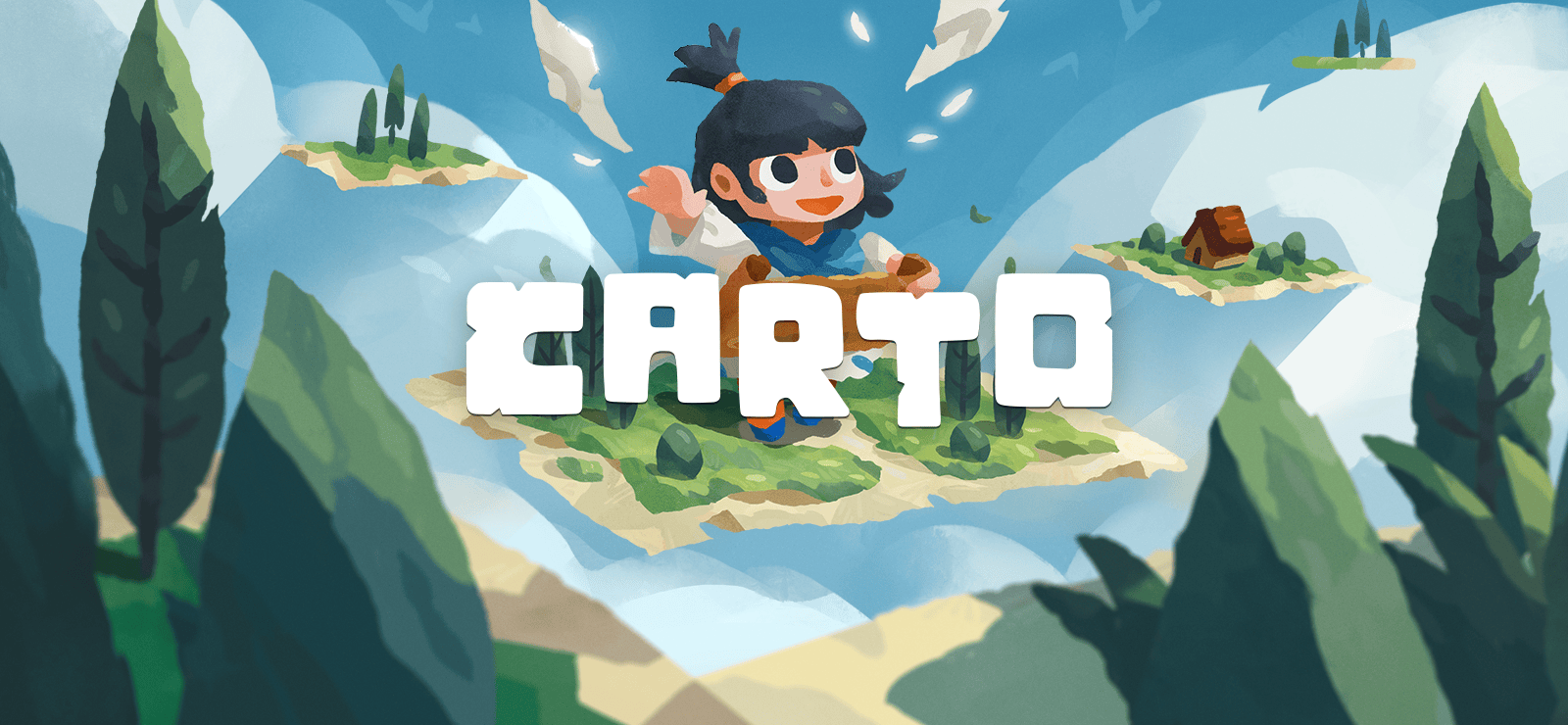
Carto is a charming adventure game wrapped around a unique, world-altering puzzle mechanic. Use this power to explore mysterious lands, help a quirky cast of characters, and guide Carto on her journey back to her family.
Separated from her Granny during a storm, young Carto must use her innate cartography powers to map and manipulate the world around her on her quest to be reunited. As she discovers new “pieces” of the game map, players can rearrange them to shape the levels themselves – unlocking new paths, puzzles, and story moments.
Carto will traverse strange new lands, learn their cultures, and enlist the help of new friends along the way in this hand-crafted adventure.
Features
- Employ a unique puzzle and exploration mechanic: rearrange pieces of your map, and watch the world change around you!
- Chill out and explore peaceful-yet-mysterious lands across a 5-7 hour story
- Meet a colorful cast of characters and learn about their unique cultures
- Bask in lush, hand-drawn visuals across a variety of biomes
- Experience a beautiful soundtrack with over 30 original tracks to accompany you on your adventure
System Requirements
- System: Windows 7 SP1
- Processor: Intel or AMD Dual Core at 2 GHz
- Memory: 4 GB RAM
- Graphics: Geforce 9600 GS, Radeon HD 5670
- DirectX: DirectX 11
- Storage: 2 GB available space
- Additional Notes: Requires a 64-bit processor and operating system
Carto Free Download
Additional Download Details
Free GOG PC Games PRESENTS:
Carto © Sunhead Games / Humble Games
We only provide full unmodified DRM-free GOG installers. No serial key, activation, or crack needed.
Latest we have 0.7.6 –> Check version info and changelog
Previous versions (2)
Easy to Download, Install and Play
- Click the download button. You can also select a previous version if available.
- You’ll be redirected to Vidgazoo. Wait 5 seconds, then directly click the button or copy the link.
- Make sure you have a supported download client installed (it’s free here) before downloading.
- Once the download process reaches 100%, locate the downloaded files.
- Get ready for installation and make sure you have enough disk space for the game.
- To Install DRM-free Carto:
- Run or double-click
setup_carto_********.exeto launch the installer. - Follow the on-screen instructions to complete the installation.
- If a DLC folder is included, run any
.exefiles inside it as well.
- Run or double-click
- Once the installation is complete, launch the game and start playing.
Need help?
Check our FAQs for common questions and fixes. If you need additional assistance, you can also visit the official GOG Support Center.


