
Cleo - a pirate's tale v1.1.5
Cleo - a pirate's tale is a retro pixel-art adventure where players control a cynical 14-year-old girl living in her father's bar. After finding a ghostly pirate logbook, she embarks on a linear quest to uncover the Treasure of Eternal Memory. The game features top-down exploration, environmental puzzles, and humorous dialogue inspired by classic adventure titles. Throughout her journey, Cleo must learn and play the in-game card-and-dice mini-game Kraken Fodder to outwit rival pirates and progress through the story.
Show 1 more game badges

Cleo - a pirate's tale Overview
„Cleo – a pirate’s tale“ is a Solo Developed Retro Pixel Art Pirate Adventure with a lot of nostalgic flair, humor and a linear story, inspired by the old Zelda games and the classic LucasArts adventure games.
THE STORY:
„What is the most important part of a story?“
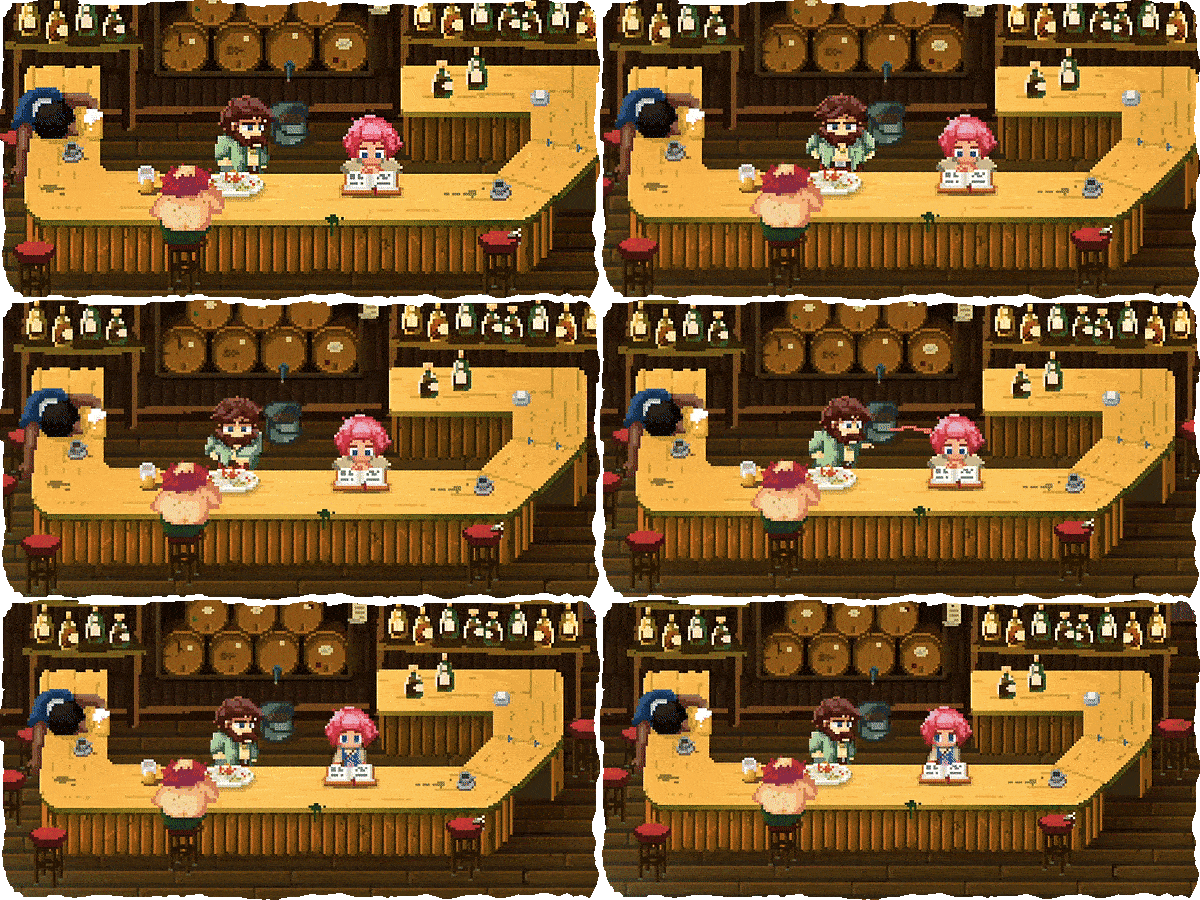
Cleo is a 14 year old cynical girl, living a repetitive life with her father in a bar. She knows everything about the epic adventures of pirate legend Captain Cabeca, but in her everyday life, she is just surrounded by boring fishermen and unsuccessful pirates, hanging around at the counter.
But when Cleo finds a strange pirate-logbook and sees a ghost, who gives her a mysterious hint, her boring life is about to get turned upside down. She is thrown into a dangerous adventure and finds herself in a world of lies, deceit, greed and bad breath – the world of pirates – and most of them are looking for the same thing:
THE TREASURE OF ETERNAL MEMORY.

KRAKEN FODDER:
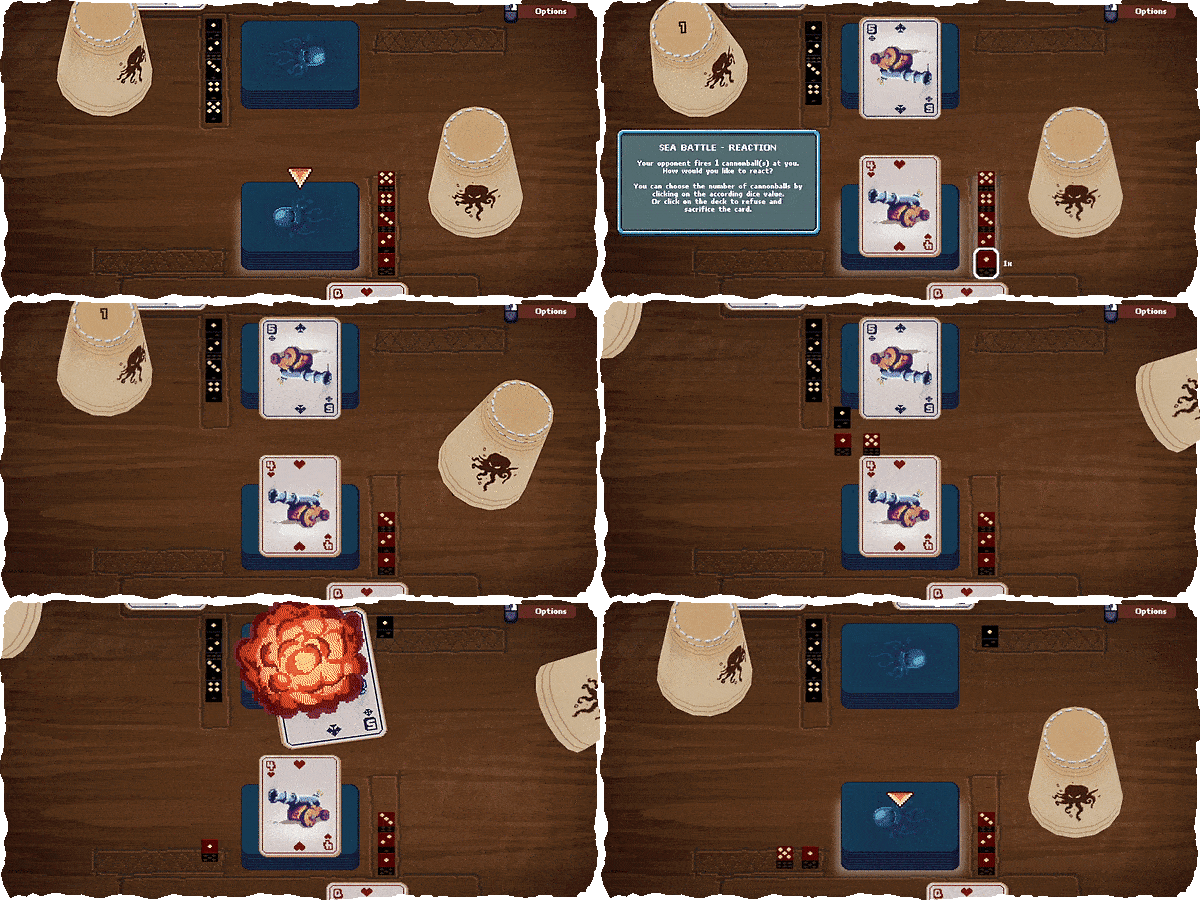
“Kraken Fodder” is a mini game inside the game.
It is a card and dice game, which is taken pretty seriously among fishermen and pirates. One round takes about 5 minutes and the game is about destroying your opponents card deck with canon balls. HAHAHAR!
Throughout the game, Cleo has to play this card game against a few NPCs.
The game was successfully funded on Kickstarter in 2020. The release is planned for late 2021 with full voice acting in English and German.
ARRRGH!
System Requirements
- System: Windows 7
- Processor: Intel Core i3 / AMD FX or higher
- Memory: 4 GB RAM
- Graphics: Nvidia 460 Series / AMD 75XX or higher
- Storage: 3 GB available space
- Additional Notes: Requires a 64-bit processor and operating system
Cleo - a pirate's tale Free Download
Additional Download Details
Free GOG PC Games PRESENTS:
Cleo – a pirate's tale © Christoph Schultz / Greycap Audiovisual Mediadesign UG
We only provide full unmodified DRM-free GOG installers. No serial key, activation, or crack needed.
Latest we have v1.1.5 –> Check version info and changelog
Easy to Download, Install and Play
- Click the download button. You can also select a previous version if available.
- You’ll be redirected to Vidgazoo. Wait 5 seconds, then directly click the button or copy the link.
- Make sure you have a supported download client installed (it’s free here) before downloading.
- Once the download process reaches 100%, locate the downloaded files.
- Get ready for installation and make sure you have enough disk space for the game.
- To Install DRM-free Cleo – a pirate's tale:
- Run or double-click
setup_cleo_a_pirates_tale_********.exeto launch the installer. - Follow the on-screen instructions to complete the installation.
- If a DLC folder is included, run any
.exefiles inside it as well.
- Run or double-click
- Once the installation is complete, launch the game and start playing.
Need help?
Check our FAQs for common questions and fixes. If you need additional assistance, you can also visit the official GOG Support Center.


