
Goetia 2 v1.0.4
Goetia 2 is a point-and-click horror adventure set in a demonic version of Venice where the player controls Luca, a disembodied soul separated from his body. Without a physical inventory, Luca must possess objects to interact with the environment, solve puzzles, and progress through over 80 rooms. Players gather clues by examining notes and communicating with spirits to uncover the truth behind Luca’s predicament and find a way to restore his physical form.
Show 1 more game badges

Goetia 2 Overview
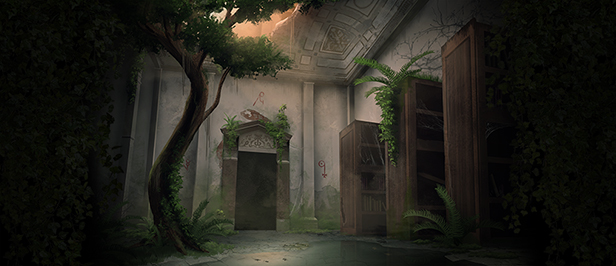
What could happen to two lovers who decided for a short break in Venice, Italy? Among all the possible scenarios, being pulled apart and tricked by a demon is certainly not what Daphné and Luca were expecting.
Awakened as a pure soul in a twisted world he doesn’t understand, Luca is trapped in the reality of Buer, a demon with ulterior motives.
He will have to find his way back to Daphné and his own fleshy sheath, solving puzzles and using whatever he can to get back to his life: notes, books, spirits he will encounter, decor, and Buer’s (partial) information.
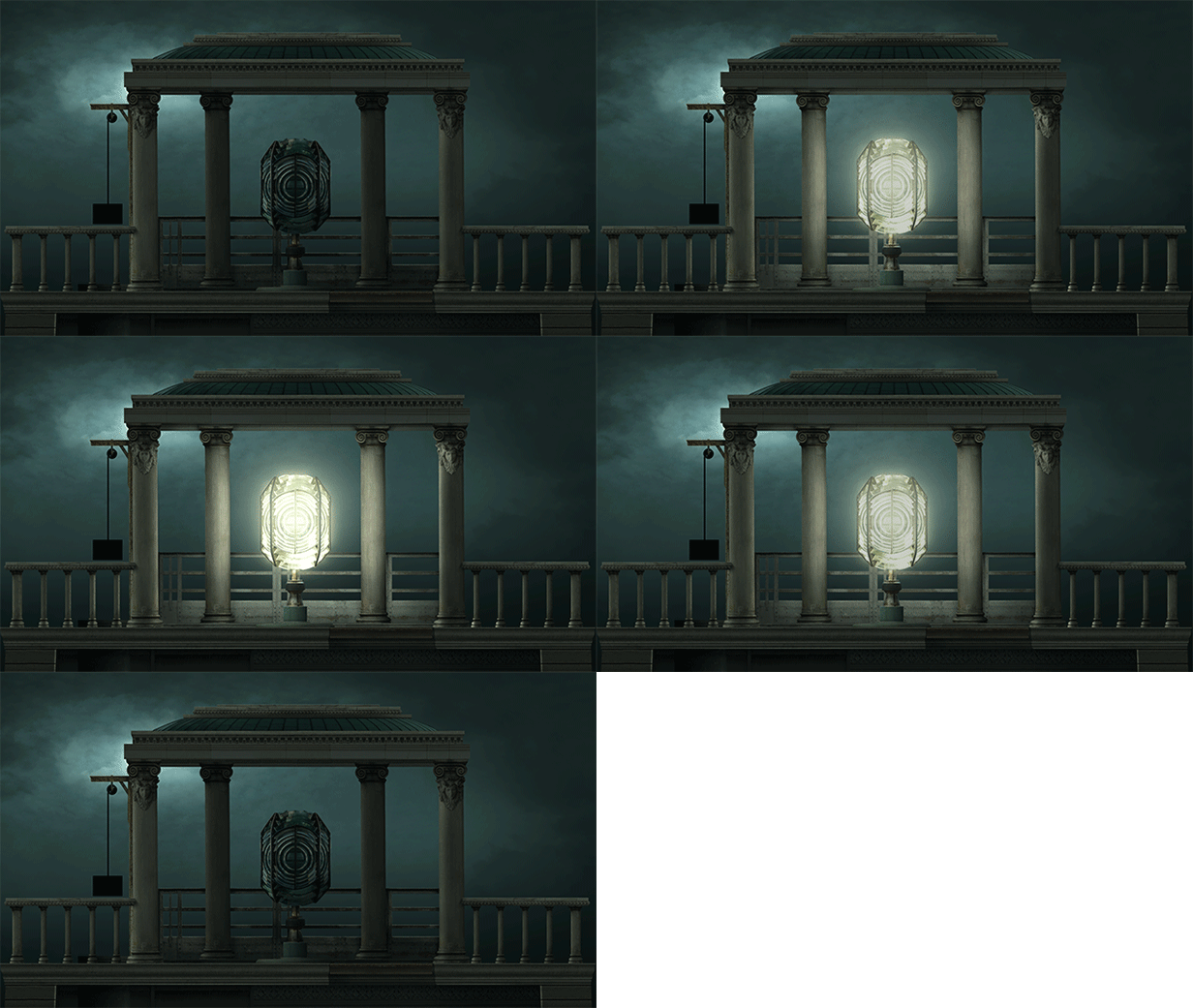
Goetia as a series is built on one cornerstone: in these point-and-click adventures, you act as a pure (kind of) living soul.
And what happens when you do not have pockets? No inventory.
Rack your brains and keep an open mind: everything can help, from the notes to the decor. Above all, your actions in some rooms may have consequences elsewhere. And there’s a lot of “elsewheres” in Venice – especially when it’s the demons’ version of it.
Explore Venice
More than 80 rooms to explore, each with its own atmosphere and challenges, divided into 5 areas to explore. From the old classic venetian mansions to the abandoned islands of the lagoon, you’ll uncover many secrets related to the art of summoning demons.
No inventory
Luca awakens as a pure spirit. How could he grab objects and keep them for later? Instead of the classic inventory system, Goetia is all about possessing objects to move them around.
A wall? What wall?
Spirits walk through walls, it is known. As well as ceilings and floors. There’s no place you won’t be able to reach, unless something (someone?) stops you. Or if you wander around possessing an object.
Choose your path
There are 5 different areas to explore in Goetia. You will start by the archives, and then make your way through various other places in Venice. When all areas are discovered, you can go back to any room, anytime, to solve puzzles, gather more intel or just enjoy your walk freely.
Get stronger
During your quest, you will find some special capacities that will allow you to understand and see more of this strange Venice.
But beware: as appealing as they might be, getting these powers also means you’ll get a bit too comfortable in this world where you don’t belong.
System Requirements
- System: Windows 7
- Processor: Intel core 2 DUO 2 GHz+, AMD Athlon TMX2 2.2 GHz+
- Memory: 4 GB RAM
- Graphics: Intel Hd graphics 520
- Storage: 7 GB available space
- Additional Notes: N/A
- System: Windows 8/10/11
- Processor: Intel core I5-4440, AMD FX 6300
- Memory: 8 GB RAM
- Graphics: Nvidia GeForce GT 740, AMD Radeon R7 250
- Storage: 7 GB available space
Goetia 2 Free Download
Additional Download Details
Free GOG PC Games PRESENTS:
Goetia 2 © Moeity / Forever Entertainment S. A.
We only provide full unmodified DRM-free GOG installers. No serial key, activation, or crack needed.
Latest we have v1.0.4 –> Check version info and changelog
Easy to Download, Install and Play
- Click the download button. You can also select a previous version if available.
- You’ll be redirected to Vidgazoo. Wait 5 seconds, then directly click the button or copy the link.
- Make sure you have a supported download client installed (it’s free here) before downloading.
- Once the download process reaches 100%, locate the downloaded files.
- Get ready for installation and make sure you have enough disk space for the game.
- To Install DRM-free Goetia 2:
- Run or double-click
setup_goetia_2_********.exeto launch the installer. - Follow the on-screen instructions to complete the installation.
- If a DLC folder is included, run any
.exefiles inside it as well.
- Run or double-click
- Once the installation is complete, launch the game and start playing.
Need help?
Check our FAQs for common questions and fixes. If you need additional assistance, you can also visit the official GOG Support Center.


