
Schein
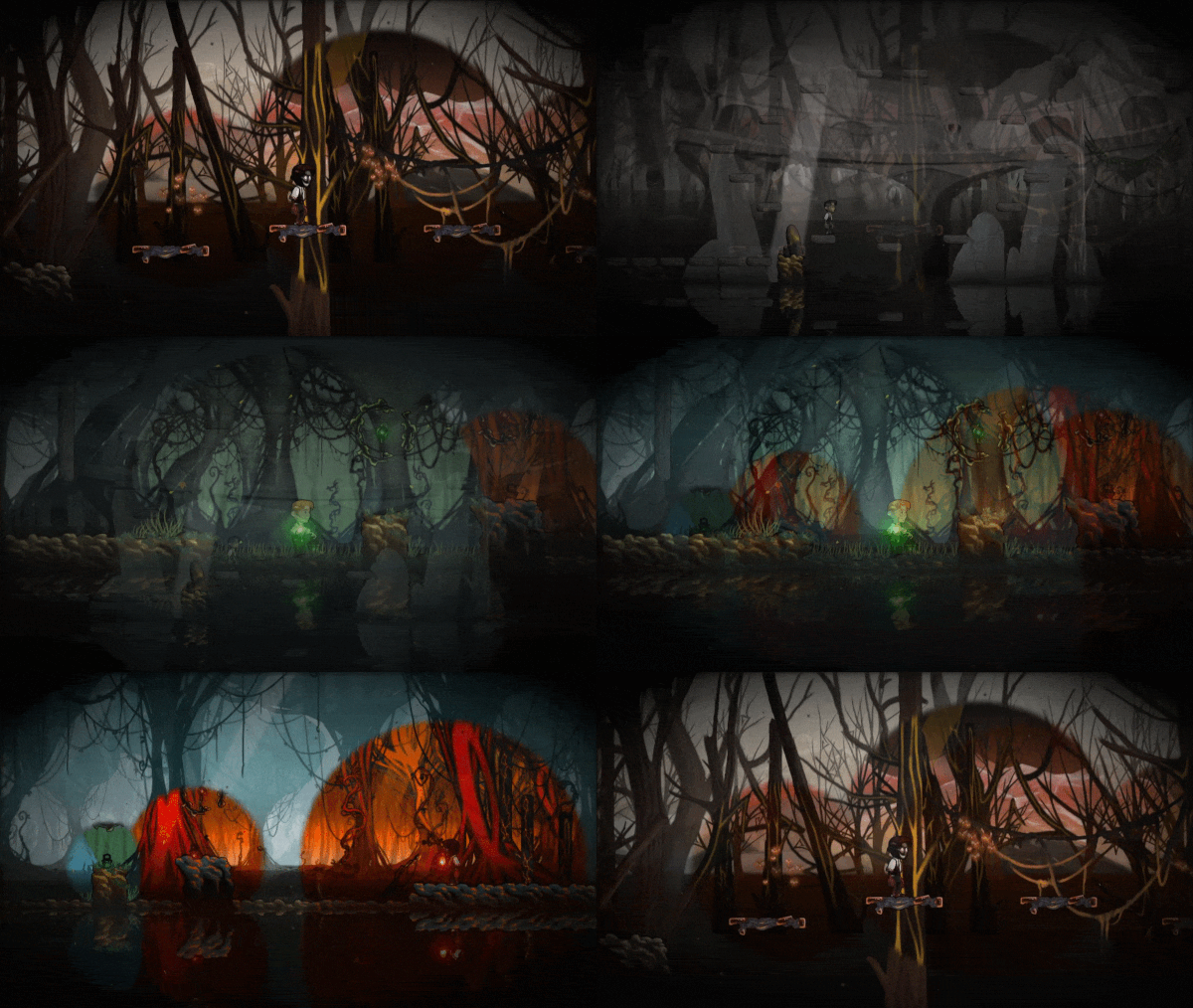
Schein is a 2D precision puzzle platformer where players control a father searching for his missing son in a mystical swamp. Guided by a wisp, he manipulates light to reveal hidden platforms, solve environmental puzzles, and overcome obstacles. The game emphasizes precise jumping and timing, with increasing difficulty across levels set in an atmospheric, dark fantasy world. Players must carefully observe changes in illumination to progress, combining puzzle-solving with skill-based platforming challenges.

Schein Overview
Schein is an award-winning, puzzle platformer that tells the story of a father who enters a mystical swamp in desperate search of his son. As he becomes enveloped in darkness and begins to lose hope, a wisp appears, offering him guidance and her magical power: a light that reveals hidden worlds.
Use your wits and light to conquer mind-bending puzzles and defeat deadly beasts. Can you save your son in what’s possibly the trickiest platformer you’ve played?
System Requirements
- System: Windows Vista, 7, 8, 8.1
- Processor: 1.6 GHz
- Memory: 768 MB RAM
- Graphics: 256 MB SM3 DirectX 9.0c
- DirectX: DirectX 9.0c
- Storage: 1126 MB available space
- Additional Notes: Full controller support
Schein Free Download
Additional Download Details
Free GOG PC Games PRESENTS:
Schein © Zeppelin Studio / Meridian4
We only provide full unmodified DRM-free GOG installers. No serial key, activation, or crack needed.
Latest we have 1.0.0 –> Check version info and changelog
Instructions
- Click the download button. You can also select a previous version if available.
- You’ll be redirected to Vidgazoo. Wait 5 seconds, then directly click the button or copy the link.
- Make sure you have a supported download client installed (it’s free here) before downloading.
- Once the download process reaches 100%, locate the downloaded files.
- Get ready for installation and make sure you have enough disk space for the game.
- To Install DRM-free Schein:
- Run or double-click
setup_schein_********.exeto launch the installer. - Follow the on-screen instructions to complete the installation.
- If a DLC folder is included, run any
.exefiles inside it as well.
- Run or double-click
- Once the installation is complete, launch the game and start playing.
Need help?
Check our FAQs for common questions and fixes. If you need additional assistance, you can also visit the official GOG Support Center.


