The Past Within (v2.00)
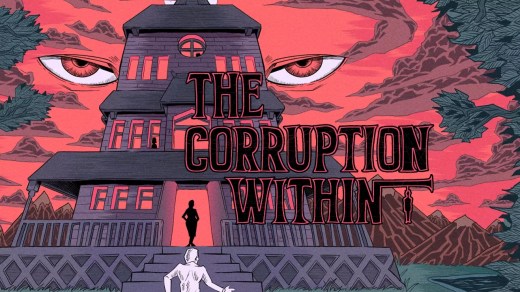
The Past Within is a cooperative point-and-click adventure from Rusty Lake where two players must work together across time. One player explores the past in a 2D perspective, the other navigates the future in 3D, solving puzzles by communicating what they see. Cross-platform play is supported, and the game encourages replaying from the opposite perspective to uncover all story elements.
Show 1 more game badges

System Requirements
- System: Windows 8+
- Processor: 2.4 GHz Dual Core
- Memory: 1 GB RAM
- Graphics: NVIDIA GeForce 9800 / ATI Radeon HD 2600 XT
- DirectX: DirectX 10
- Storage: 1 GB available space
The Past Within Free Download
Additional Download Details
FreeGOGPCGames PRESENTS:
The Past Within © Rusty Lake / Rusty Lake
We only provide full unmodified DRM-free GOG installers. No serial key, activation, or crack needed.
Latest we have v2.00 –> Check version info and changelog
Easy to Download, Install and Play
- Click the download button. You can also select a previous version if available.
- You’ll be redirected to Vidgazoo. Wait 5 seconds, then directly click the button or copy the link.
- Make sure you have a supported download client installed (it’s free here) before downloading.
- Once the download process reaches 100%, locate the downloaded files.
- Get ready for installation and make sure you have enough disk space for the game.
- To Install DRM-free The Past Within:
- Run or double-click
setup_the_past_within_********.exeto launch the installer. - Follow the on-screen instructions to complete the installation.
- If a DLC folder is included, run any
.exefiles inside it as well.
- Run or double-click
- Once the installation is complete, launch the game and start playing.
Need help?
Check our FAQs for common questions and fixes. If you need additional assistance, you can also visit the official GOG Support Center.