
Everafter Falls v2.1.4
Everafter Falls is a farming and life simulation game with RPG elements set in a cozy town where players wake from a simulated life to rediscover their past. They farm, fish, and forage while exploring dungeons, battling enemies, and upgrading stats through a card-eating progression system. Players can enlist automated drones and a pet to assist with chores and combat, and enjoy split-screen co-op play with a friend.
Show 1 more game badges

Everafter Falls Overview

You once had a serene and peaceful existence right here in Everafter Falls. Don’t you remember?
You wake up to discover your previous life was nothing but a simulation. You’ve no memory of this place, your quaint animal neighbors, the refreshing wind and fragrant flowers, the little farm you had tucked away just outside town, none of it. But once you spend a little time with your forgotten friends and your helpful pet, doesn’t Everafter Falls just feel perfect? Isn’t it where you always wanted to be?
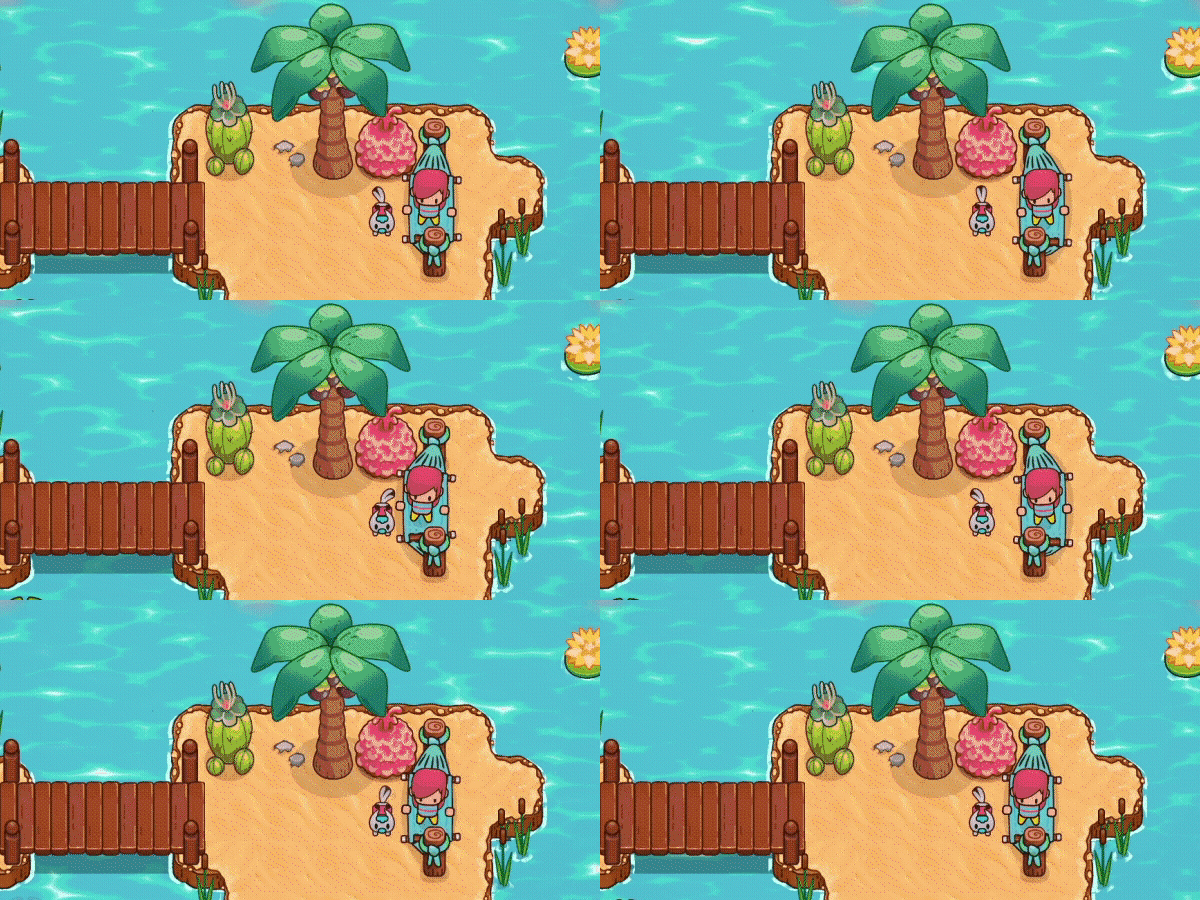
Sure, you’ll need to farm, fish and fight your way back to prominence in the tiny, cozy town, but you know your way around a sword, right? You know how to water your farm and progress through the dungeons. You know how to upgrade your stats and beat back tougher and tougher enemies, don’t you? Just give those cards a good chomp and you’ll have everything you need!
Of course, if you need a little help, don’t worry! You’ve got little drones to help you on your way. And don’t forget your trusty pet! They can learn all sorts of neat things, like digging in your farm, watering your crops, and even teleporting you across the map. What? You’ve never heard of a teleporting cat before?
It’s Everafter Falls! Things are peaceful here. There’s nothing to worry about… right?

- Lifestyle Farming Sim: Farm, fish, and forage a huge collection of items to make the most efficient yet cozy farm this side of Stardew
- Uncover the Mystery: Help your new friends with their extremely important small-town drama through quests and conversation
- Enlist Your Friends’ Aid: Tackle your farm’s toughest challenges with a friend in split-screen co-op!
- Start your Collect-o-pedia: Collect all the fish for the town aquarium, plant dozens of different crops, and munch down skill cards to level up your combat!
- Become an Expert: Equip helpful little drones to help automate your farm keeping things running even when you’re down in the dungeons.
System Requirements
- System: Windows 10
- Processor: 3rd Gen i3/AMD FX-4100 Series
- Memory: 4 GB RAM
- Graphics: GeForce 7 Series/Radeon R7 Series
- DirectX: DirectX 10
- Storage: 1 GB available space
Everafter Falls Free Download
Additional Download Details
Free GOG PC Games PRESENTS:
Everafter Falls © SquareHusky / Akupara Games
We only provide full unmodified DRM-free GOG installers. No serial key, activation, or crack needed.
Latest we have v2.1.4 –> Check version info and changelog
Easy to Download, Install and Play
- Click the download button. You can also select a previous version if available.
- You’ll be redirected to Vidgazoo. Wait 5 seconds, then directly click the button or copy the link.
- Make sure you have a supported download client installed (it’s free here) before downloading.
- Once the download process reaches 100%, locate the downloaded files.
- Get ready for installation and make sure you have enough disk space for the game.
- To Install DRM-free Everafter Falls:
- Run or double-click
setup_everafter_falls_********.exeto launch the installer. - Follow the on-screen instructions to complete the installation.
- If a DLC folder is included, run any
.exefiles inside it as well.
- Run or double-click
- Once the installation is complete, launch the game and start playing.
Need help?
Check our FAQs for common questions and fixes. If you need additional assistance, you can also visit the official GOG Support Center.


