
Crysis Remastered Trilogy
Play through three enhanced first-person shooters as you fight against an alien invasion across tropical islands, urban ruins, and zero-gravity environments. Use the nanosuit’s stealth, speed, and strength modes to adapt tactics in real time. Each game expands the story of humanity’s struggle against the Ceph, featuring upgraded visuals, performance improvements, and modernized controls while preserving the original campaigns and sandbox combat freedom.
Show 1 more game badges

Crysis Remastered Trilogy Overview
Crysis Remastered Trilogy includes:
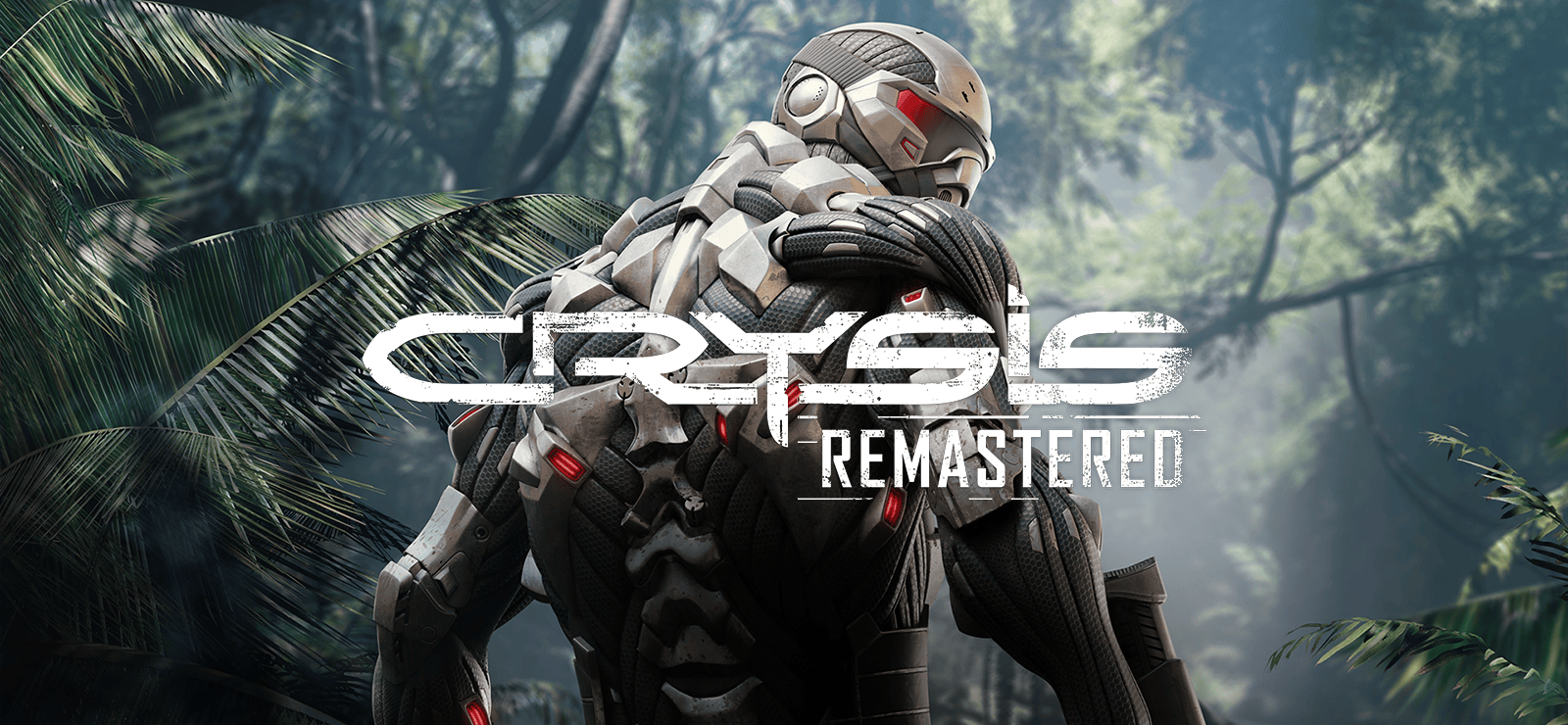
Crysis Remastered What begins as a simple rescue mission becomes the battleground of a new war as alien invaders swarm over a chain of North Korean islands. Playing as super-soldier Nomad, you are armed with a powerful Nanosuit equipped with Speed, Strength, Armor, and Cloaking abilities. Use a vast arsenal of modular weaponry and adapt your tactics and gear to dominate enemies in an enormous sandbox world.
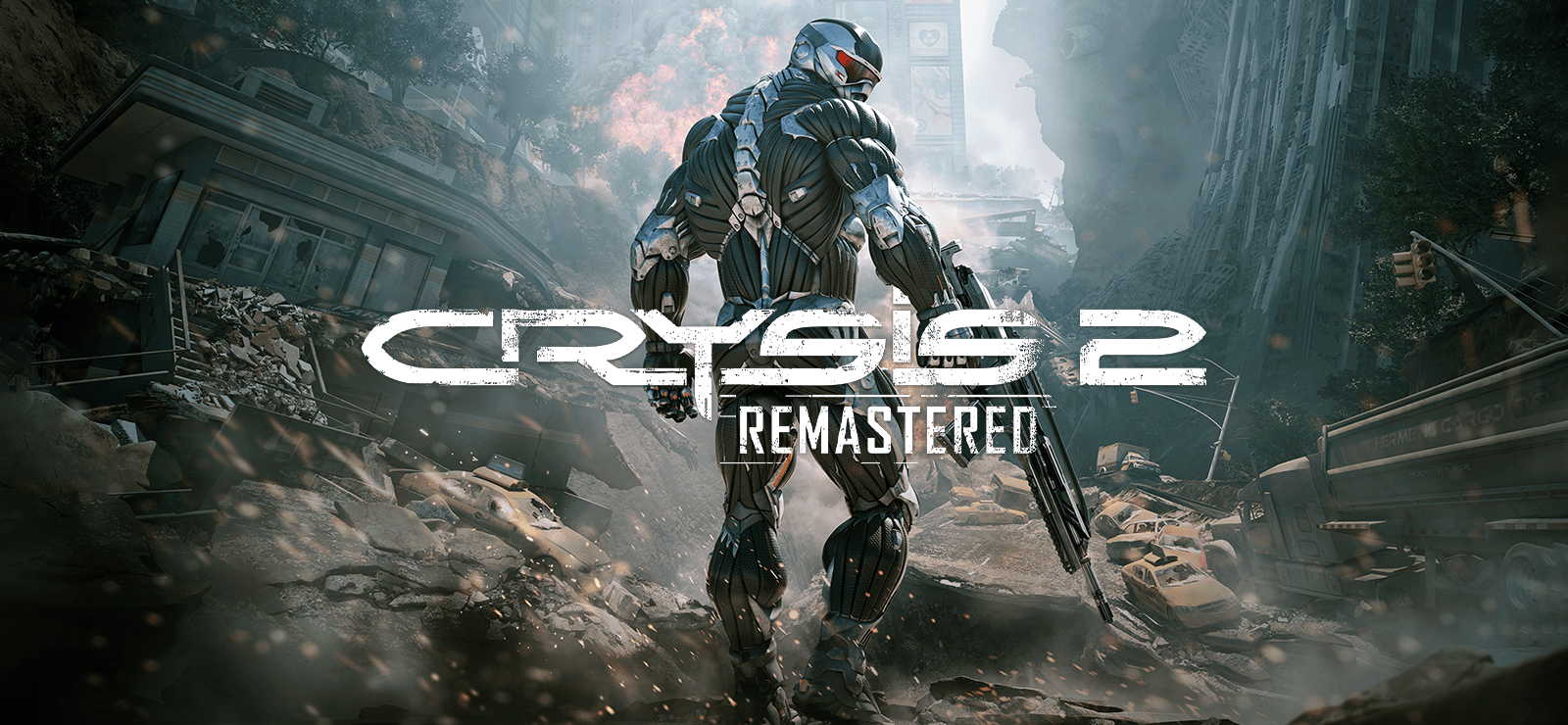
Crysis 2 Remastered Aliens have returned to a world ravaged by climate disasters. As the invaders lay waste to New York and begin an assault that threatens the total annihilation of humankind, only you have the technology to lead the fightback. Equipped with the upgraded Nanosuit 2.0, customize your suit and weapons in real-time and unlock powerful new abilities in the battle for humanity’s survival.
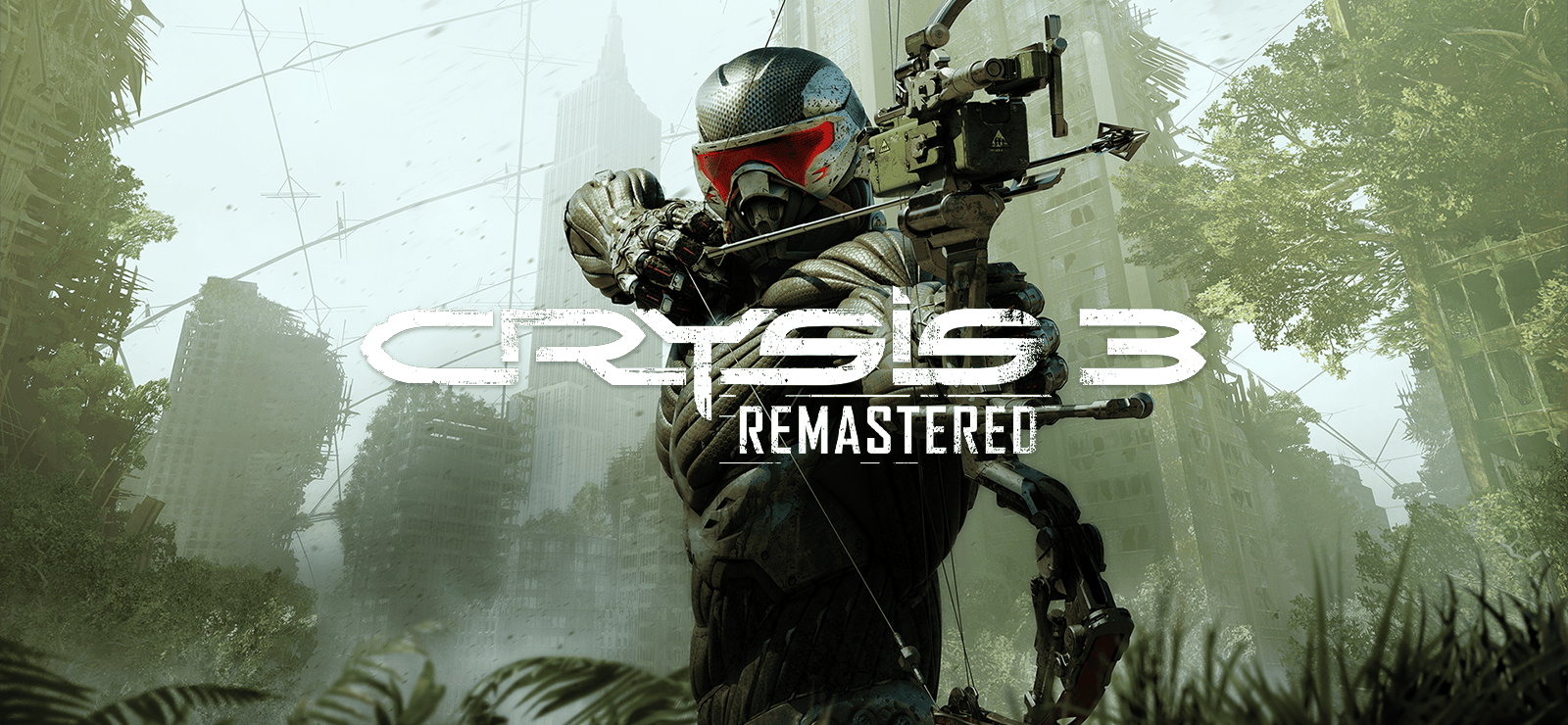
Crysis 3 Remastered Returning to the fight as super-soldier Prophet, the search for the alien Alpha Ceph continues, but now you must also expose the truth behind the C.E.L.L. corporation, which has turned New York City into a sprawling urban rainforest sheltered by a giant nanodome. Fight through seven distinct districts and decimate your opponents in a blaze of brute force using the Nanosuit’s superior technology, or use stealth to achieve your goals and become humanity’s silent savior. Equipped with your powerful and deadly new Predator Bow, there’s no wrong way to save the world.
Languages, features and system requirements may vary between games – please check individual product pages for details.
System Requirements
- System: Windows 10 64 bit
- Processor: Intel(R) Core(TM) i5-3470
- Memory: 8 GB RAM
- Graphics: NVIDIA GeForce GTX 1060
- DirectX: DirectX 11
- Storage: 18 GB available space
- System: Windows 10 64-Bit latest update
- Processor: Intel(R) Core(TM) i5-8600
- Memory: 16 GB RAM
- Graphics: NVIDIA GeForce GTX 1660 TI
- DirectX: DirectX 11
- Storage: 18 GB available space
Crysis Remastered Trilogy Free Download
Additional Download Details
Free GOG PC Games PRESENTS:
Crysis Remastered Trilogy © Crytek, Saber Interactive / Crytek
We only provide full unmodified DRM-free GOG installers. No serial key, activation, or crack needed.
Latest we have –> Check version info and changelog
Easy to Download, Install and Play
- Click the download button. You can also select a previous version if available.
- You’ll be redirected to Vidgazoo. Wait 5 seconds, then directly click the button or copy the link.
- Make sure you have a supported download client installed (it’s free here) before downloading.
- Once the download process reaches 100%, locate the downloaded files.
- Get ready for installation and make sure you have enough disk space for the game.
- To Install DRM-free Crysis Remastered Trilogy:
- Run or double-click
setup_crysis_remastered_trilogy_********.exeto launch the installer. - Follow the on-screen instructions to complete the installation.
- If a DLC folder is included, run any
.exefiles inside it as well.
- Run or double-click
- Once the installation is complete, launch the game and start playing.
Need help?
Check our FAQs for common questions and fixes. If you need additional assistance, you can also visit the official GOG Support Center.


