
Moonlighter v1.14.37 + DLC
Moonlighter is an action RPG that blends dungeon crawling with shop management. As Will, you explore procedurally generated dungeons through ancient gates, battle monsters, and collect treasures to sell in your shop. Set prices, manage your store, and craft gear to survive deeper runs. The game features a dual gameplay loop where adventuring fuels commerce and profits enable better equipment for tougher expeditions.
Show 1 more game badges

Moonlighter Overview
During a long-passed archaeological excavation, a set of Gates were discovered. People quickly realized that these ancient passages lead to different realms and dimensions – providing brave and reckless adventurers with treasures beyond measure. Rynoka, a small commercial village, was founded near the excavation site providing refuge and a place for adventurers to sell their hard-earned riches.
Moonlighter is an Action RPG with rogue-lite elements following the everyday routines of Will, an adventurous shopkeeper that dreams of becoming a hero.
Features:
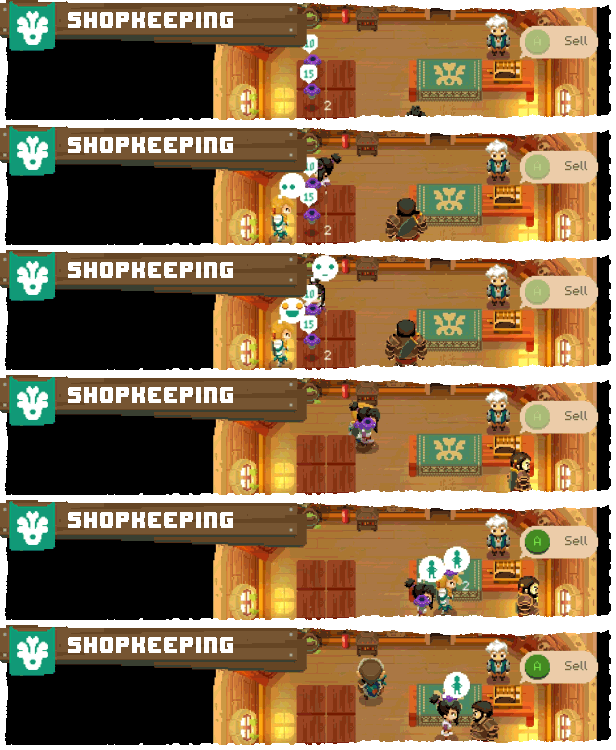
While conducting your business in Rynoka village, you can put items on sale, set their price carefully, manage gold reserves, recruit assistants and upgrade the shop. Be careful though – some shady individuals may want to steal your precious wares!
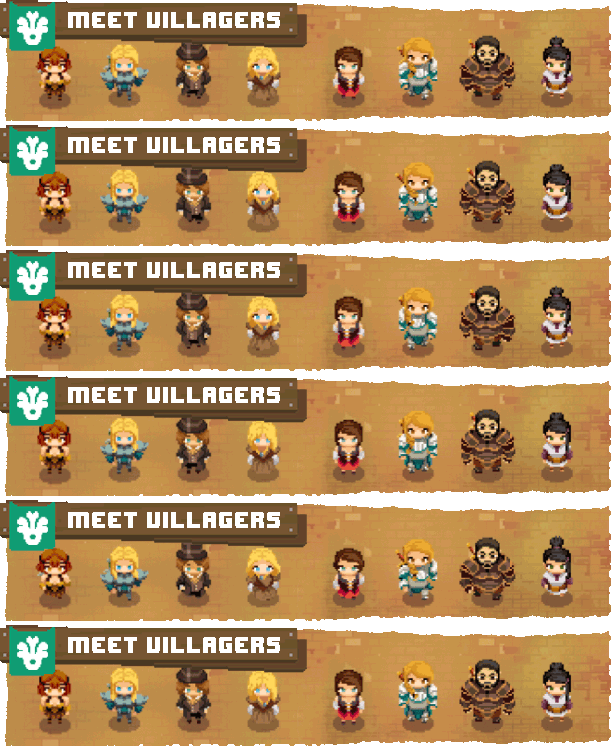
Get to know your neighbors as you restore the prosperity of this small commercial hamlet. Help establish new businesses and watch them grow in the idyllic community of Rynoka.
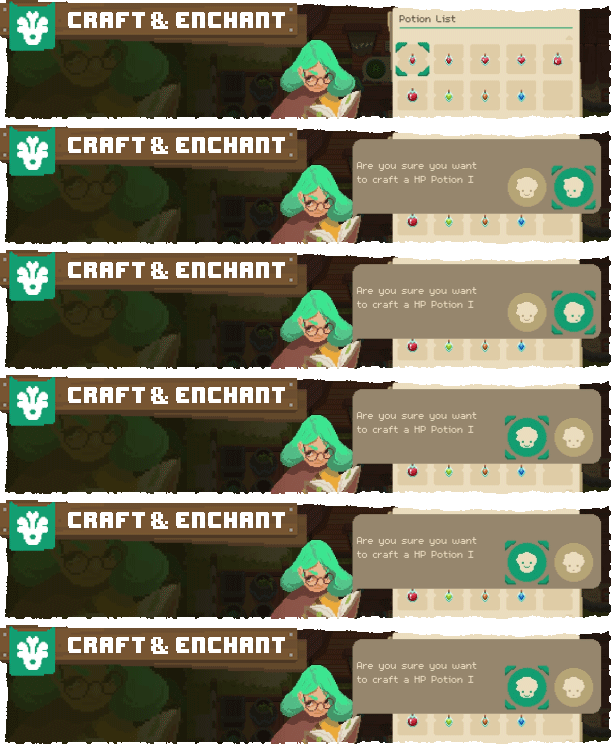
Understanding the crafting and enchanting system is essential for your progression. Interact with the villagers to craft new armor and weapons, and enchant existing equipment. This creates a great deal of flexibility and spices up the way equipment is used.

Access strange worlds through otherworldly gates and collect valuable items from exotic civilizations: resources, weapons, armors and peculiar artifacts. Hoarding everything won’t be possible – use the unique inventory system wisely to take the most profitable loot with you.
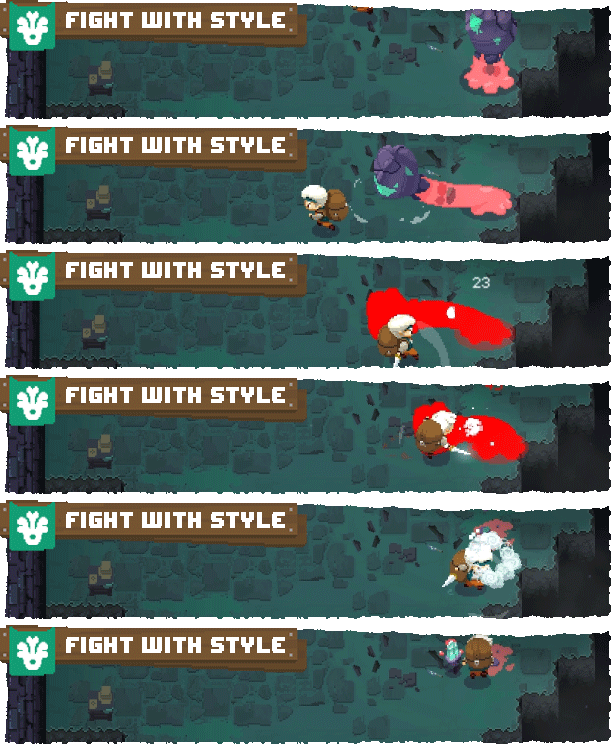
Defeat various enemies and bosses, and revel in challenging and deep combat mechanics. Masterful control of your weapons, critical timing, careful positioning, and an understanding of your enemies and environment are crucial to your survival. How you battle your enemies is up to you.

Gates lead to different worlds. Each run is unique and forces you to make smart and calculated decisions. You never know what you will encounter next – that’s why you must be prepared for everything.
System Requirements
- System: Windows 7
- Processor: Intel(R) Core(TM)2 Quad 2.7 GHz, AMD Phenom(TM)II X4 3 GHz
- Memory: 4 GB RAM
- Graphics: GeForce GTX 260, Radeon HD 5770, 1024 MB, Shader Model 3.0
- Storage: 4 GB available space
- Additional Notes: DirectX compatible
- System: Windows 10
- Processor: Intel(R) Core(TM) i5
- Memory: 8 GB RAM
- Graphics: GeForce GTX 660
- Storage: 4 GB available space
- Additional Notes: DirectX compatible
Moonlighter Free Download
Additional Download Details
Free GOG PC Games PRESENTS:
Moonlighter © Digital Sun / 11 bit studios
We only provide full unmodified DRM-free GOG installers. No serial key, activation, or crack needed.
Latest we have v1.14.37 + DLC –> Check version info and changelog
Easy to Download, Install and Play
- Click the download button. You can also select a previous version if available.
- You’ll be redirected to Vidgazoo. Wait 5 seconds, then directly click the button or copy the link.
- Make sure you have a supported download client installed (it’s free here) before downloading.
- Once the download process reaches 100%, locate the downloaded files.
- Get ready for installation and make sure you have enough disk space for the game.
- To Install DRM-free Moonlighter:
- Run or double-click
setup_moonlighter_********.exeto launch the installer. - Follow the on-screen instructions to complete the installation.
- If a DLC folder is included, run any
.exefiles inside it as well.
- Run or double-click
- Once the installation is complete, launch the game and start playing.
Need help?
Check our FAQs for common questions and fixes. If you need additional assistance, you can also visit the official GOG Support Center.


