
Creature Kitchen
Creature Kitchen is a creepy-cozy cooking simulation where players explore a mysterious woodland house and forest to gather ingredients and recipes. By chopping, mixing, and frying found items, you prepare over 40 dishes to discover what strange creatures enjoy eating. Some visitors are shy and require encouragement before approaching, while others come freely. Search hidden areas for secret finds that expand your cooking options, photograph the creatures you meet, and fill your personal album as you experience a short atmospheric adventure inspired by early-2000s visuals and an original soundtrack.

Creature Kitchen Overview
Creaking footsteps in vacant rooms… Voices whispering beyond the trees…
Befriend your local wildlife and feed them their favorite snacks in this creepy-cozy cooking simulator! There’s a strange house to search, a forest to explore, and plenty of stomachs to fill. Go ahead and set the radio to play some tunes and get comfy, the witching hour has begun.
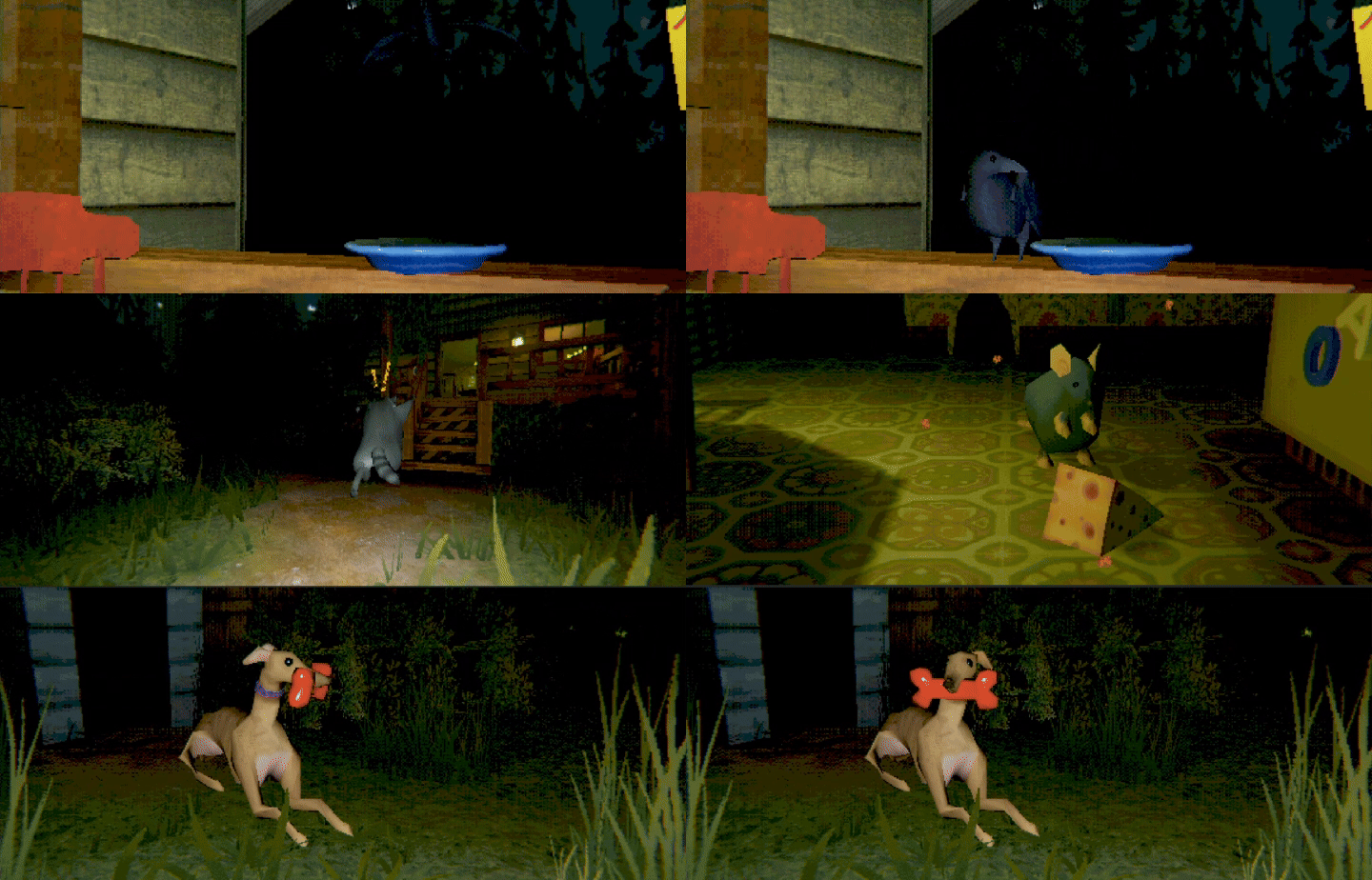
MEET NEW FRIENDS
Find and feed creatures of all shapes and sizes. Some will take food right out of your hands! Others may need some encouragement…

BECOME A SNACK MASTER
Chop, mix, and fry ingredients to create over 40 unique recipes. Get creative to suit each critter’s tastes.
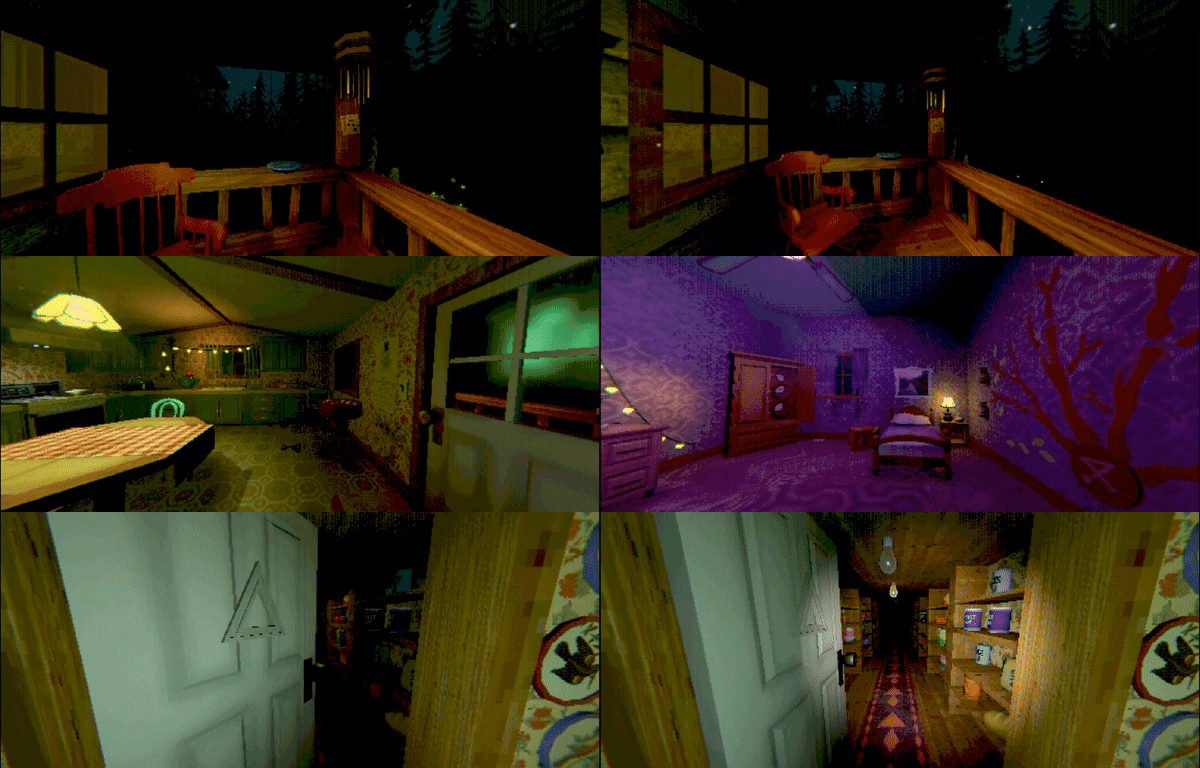
TAKE A LOOK AROUND
Explore a mysterious house and woods to uncover their secrets. Check every nook and cranny for ingredients and recipes to expand your culinary skills.

SAY CHEESE
Snap photos of your friends. Fill out a photo album and make good memories.

WELCOME BACK, 2000s
Creature Kitchen is a snack-sized atmospheric experience. Get immersed in early 2000s graphics while vibing to an original soundtrack.
System Requirements
- System: Windows 10/11
- Processor: Intel Core i7-4790
- Memory: 3 GB RAM
- Graphics: Nvidia GTX 960
- Storage: 1 GB available space
- Additional Notes: Requires a 64-bit processor and operating system
- System: Windows 10/11
- Processor: Intel Core i7-7700
- Memory: 4 GB RAM
- Graphics: Nvidia GTX 1060
- Storage: 1 GB available space
- Additional Notes: Requires a 64-bit processor and operating system
Creature Kitchen Free Download
Additional Download Details
Free GOG PC Games PRESENTS:
Creature Kitchen © The Rat Zone / The Rat Zone
We only provide full unmodified DRM-free GOG installers. No serial key, activation, or crack needed.
Latest we have v1.1.5b –> Check version info and changelog
Interface language : English, German, Russian, Spanish, French, Italian, Polish, Portuguese, Simplified Chinese, Japanese, Korean
Voice language : English
Instructions
- Click the download button. You can also select a previous version if available.
- You’ll be redirected to Vidgazoo. Wait 5 seconds, then directly click the button or copy the link.
- Make sure you have a supported download client installed (it’s free here) before downloading.
- Once the download process reaches 100%, locate the downloaded files.
- Get ready for installation and make sure you have enough disk space for the game.
- To Install DRM-free Creature Kitchen:
- Run or double-click
setup_creature_kitchen_********.exeto launch the installer. - Follow the on-screen instructions to complete the installation.
- If a DLC folder is included, run any
.exefiles inside it as well.
- Run or double-click
- Once the installation is complete, launch the game and start playing.
Need help?
Check our FAQs for common questions and fixes. If you need additional assistance, you can also visit the official GOG Support Center.


