Okhlos: Olympus Edition v2.1.0.1
Okhlos: Olympus Edition is an action strategy game where players lead a mob of ancient Greeks in a revolt against the gods. Rally a ragtag crowd of villagers, philosophers, and warriors, each with unique abilities, to battle mythological creatures like cyclopes and minotaurs. Use physics-based combat to destroy environments and topple Olympian rulers across procedurally generated levels inspired by Greek mythology. The game blends absurd humor with chaotic destruction as your mob grows and evolves through upgrades and divine favors.
Show 1 more game badges

Okhlos: Olympus Edition Overview
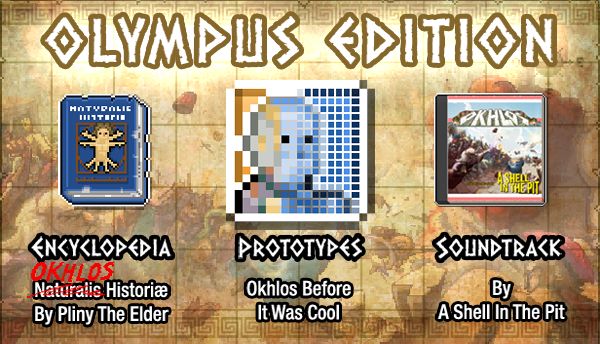
Okhlos: Omega Olympus Edition includes a digital Encyclopedia, a collection of Okhlos prototypes, and the original soundtrack by A Shell in the Pit.
Squeeze into your toga and slide on your sandals to rally the angry mobs of Okhlos and bring down the oppressive god of mythological Greece! Your beloved people will not longer stand for the abuse from their deities and take up arms against them and taking down anything and everything in their path. Topple the beastly minotaur, bring down sacred temples, and confront the almighty Olympians themselves while recruiting and balancing your unruly mob with warriors, peasants, slaves and even livestock in their quest for freedom from Mount Olympus! It’s total anarchy in the birthplace of democracy!
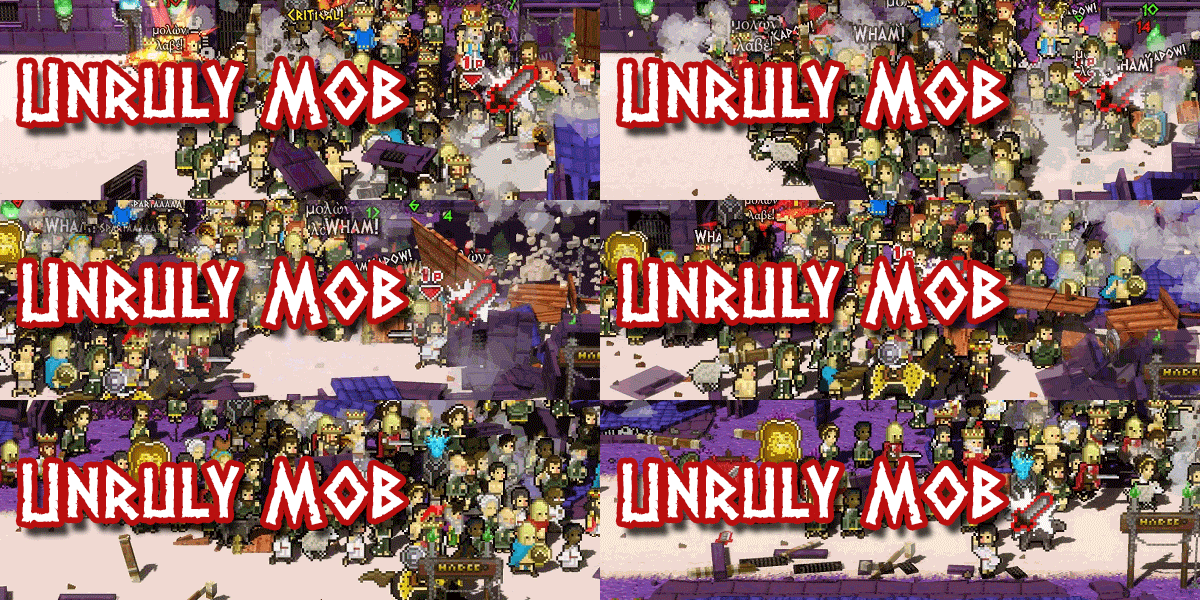
The people are angry and have united behind the noble philosophers to do their bidding to take down the soldiers, mythical beasts and temples under the control of the twelve vile gods.
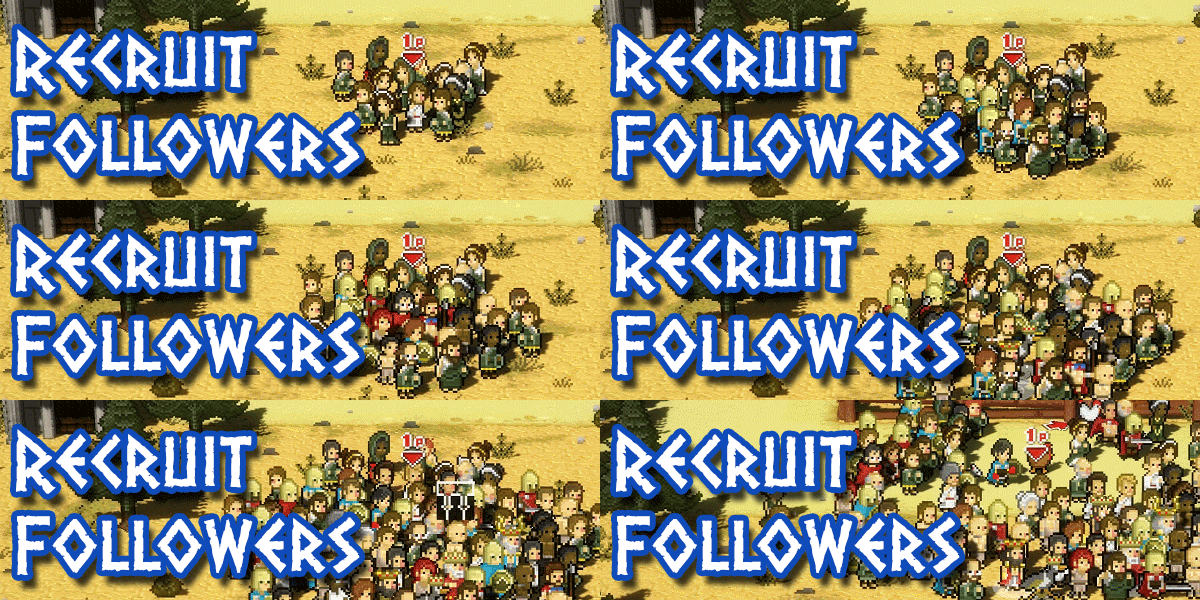
Carefully recruit your followers from warriors, peasants, slaves and beasts of burden and unlock special units or swap units for one of 100 legendary heroes to upgrade the mob and increase their savagery. Wield the power of Heracles, Leonidas, Pandora, and Socrates to turn your mischievous gang into a formidable army!
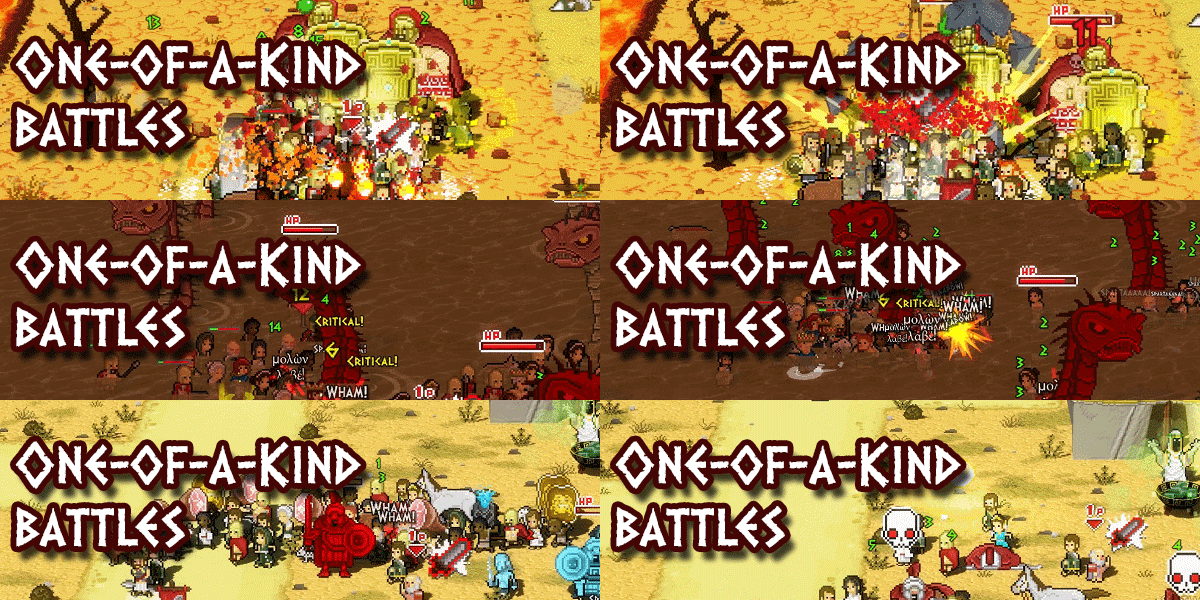
Every campaign against the gods is different with changes to heroes, monsters, and bosses – and even the mob itself – each time you and your followers set out for battle. Traverse eight procedurally generated Greek cities and never fight through the same world twice!
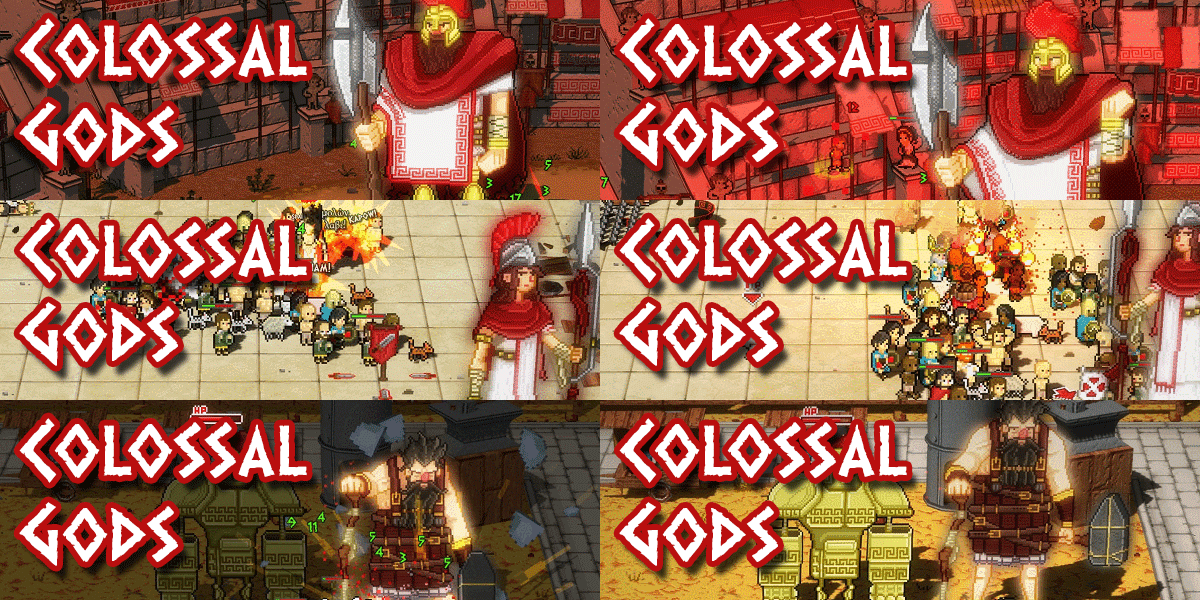
Make your way through all manner of beasts, warriors, and demi-gods to arrive at the feet of the maleficent Olympians and unleash the power of the people in epic boss battles set against ancient ruins before they were ancient!
System Requirements
- System: Windows Vista / 7 / 8 / 10
- Processor: Intel Core2 Quad Q8200 (4 * 2330) / AMD Athlon II X4 645 AM3 (4 * 3100)
- Memory: 3 GB RAM
- Graphics: DirectX10-compliant card with minimum 512 MB RAM
- DirectX: DirectX 10
- Storage: 1 GB available space
- System: Windows Vista / 7 / 8 / 10
- Processor: Intel Core2 Quad Q9400 (4 * 2666) / AMD Phenom II X4 965 (4 * 3400)
- Memory: 4 GB RAM
- Graphics: GeForce GTS 450 (1024 MB) / Radeon HD 4890 (1024 MB)
- DirectX: DirectX 10
- Storage: 1 GB available space
- Additional Notes: It should run on Quantum Computers as well, but we didn’t find one to test it
Okhlos: Olympus Edition Free Download
Additional Download Details
Free GOG PC Games PRESENTS:
Okhlos: Olympus Edition © Coffee Powered Machine / Devolver Digital
We only provide full unmodified DRM-free GOG installers. No serial key, activation, or crack needed.
Latest we have v2.1.0.1 –> Check version info and changelog
Easy to Download, Install and Play
- Click the download button. You can also select a previous version if available.
- You’ll be redirected to Vidgazoo. Wait 5 seconds, then directly click the button or copy the link.
- Make sure you have a supported download client installed (it’s free here) before downloading.
- Once the download process reaches 100%, locate the downloaded files.
- Get ready for installation and make sure you have enough disk space for the game.
- To Install DRM-free Okhlos: Olympus Edition:
- Run or double-click
setup_okhlos_olympus_edition_********.exeto launch the installer. - Follow the on-screen instructions to complete the installation.
- If a DLC folder is included, run any
.exefiles inside it as well.
- Run or double-click
- Once the installation is complete, launch the game and start playing.
Need help?
Check our FAQs for common questions and fixes. If you need additional assistance, you can also visit the official GOG Support Center.