RC Cars v1.0.138
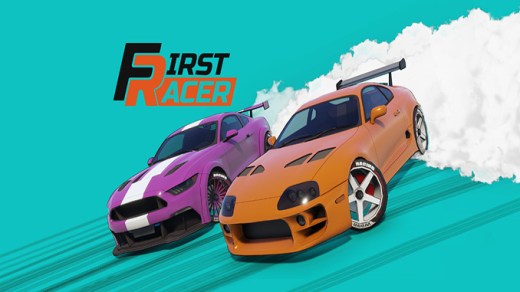
RC Cars is an arcade-style racing game where players control miniature remote-controlled vehicles on a variety of tracks. Race against AI opponents, master sharp turns, and navigate challenging courses to win. Upgrade your cars to enhance speed, handling, and acceleration, gaining a competitive edge in fast-paced races. The game emphasizes skillful driving and strategic upgrades across multiple race modes.
Show 1 more game badges

System Requirements
- System: Windows XP / 7 / 8
- Processor: Intel Pentium III 600 MHz
- Memory: 64 MB RAM
- Graphics: Microsoft DirectX 8.1 - compatible 3D video accelerator
- Storage: 300 MB available space
- Additional Notes: „Customer may encounter slow input reaction in menus while playing on modern operating systems“
RC Cars Free Download
Additional Download Details
Free GOG PC Games PRESENTS:
RC Cars © Creat Studio / Fulqrum Publishing
We only provide full unmodified DRM-free GOG installers. No serial key, activation, or crack needed.
Latest we have v1.0.138 –> Check version info and changelog
Easy to Download, Install and Play
- Click the download button. You can also select a previous version if available.
- You’ll be redirected to Vidgazoo. Wait 5 seconds, then directly click the button or copy the link.
- Make sure you have a supported download client installed (it’s free here) before downloading.
- Once the download process reaches 100%, locate the downloaded files.
- Get ready for installation and make sure you have enough disk space for the game.
- To Install DRM-free RC Cars:
- Run or double-click
setup_rc_cars_********.exeto launch the installer. - Follow the on-screen instructions to complete the installation.
- If a DLC folder is included, run any
.exefiles inside it as well.
- Run or double-click
- Once the installation is complete, launch the game and start playing.
Need help?
Check our FAQs for common questions and fixes. If you need additional assistance, you can also visit the official GOG Support Center.