
A Void Hope v1.0.6.7295
A Void Hope is an atmospheric narrative adventure set in a collapsed city where a tormented couple struggles to distinguish reality from nightmares. Players solve environmental puzzles and explore a dark, retro-styled world while evading shadowy threats. The haunting synthwave soundtrack by Waveshaper enhances this story-driven experience focused on unraveling mystery and uncovering the truth behind the couple's fractured perception.
Show 1 more game badges

A Void Hope Overview
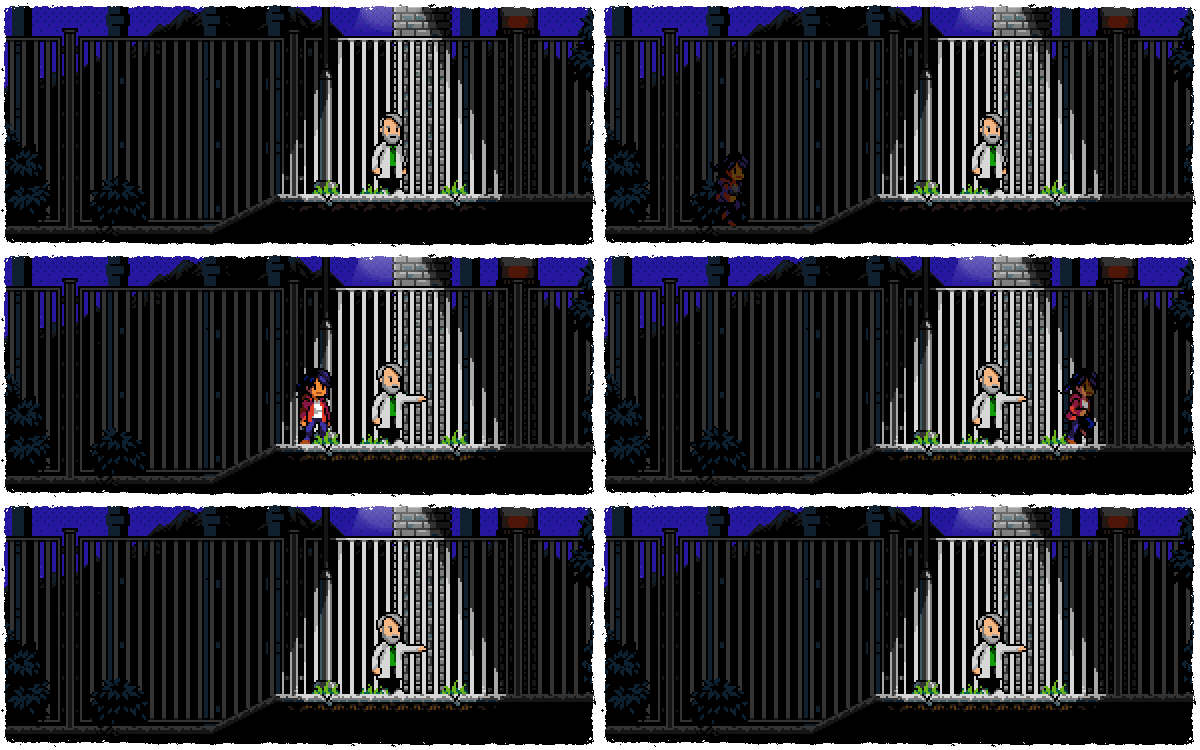
Set out on a journey through a harsh and unforgiving city
These waters… You know, sometimes I feel them rising in me. Dark and suffocating. Like something growing. A beast.
A Void Hope takes you on an atmospheric narrative adventure to find a cure for a collapsed city. Follow the story of a tormented couple as they try to decipher reality from nightmares and evade the shadowy threats lurking in the dark.

An immersive experience
- Solve puzzles, find items and progress through the story in this world brimming with mysterious ambiance
Something lurks in the shadows
- Crisp retro aesthetics combined with atmospheric lighting shows a world in darkness but with small slivers of hope
Avoid combat, embrace exploration
- Delve into an adventure filled with danger and make your way through the city avoiding the threats that come your way
A haunting soundtrack
- Composed by synthwave mastermind Waveshaper, an eerie and evocative landscape of music accompanies your every step
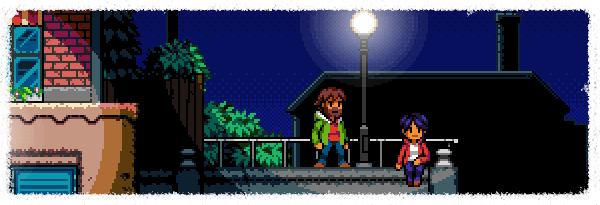
A Void Hope’s compelling mystery and carefully-crafted ambiance is supported by puzzle platforming mechanics that require you to solve puzzles and find items as you traverse the city. There are dangerous threats wandering the streets too, but your goal is to avoid conflict in this narrative-focused adventure where unwinding the threads of the unknown by exploring the secrets of the city’s physical space, along with the psychological space of your struggling protagonists, will be your primary focus.
A short and immersive experience enjoyed best in a single sitting on a rainy, dark night.
Features
- Story written by published horror and science-fiction writer Frida Windelhed
- Sound Design by Christian Björklund, previously Audio Designer on Little Nightmares
- Soundtrack by Waveshaper (Furi OST, The Crew 2 from Ubisoft, Netflix, Videoman)
- Additional Art by Rickard Paulsson (Bionic Commando, Syndicate, Gunborg)
A Void Hope is the latest game from developer and publisher Elden Pixels, purveyor of quality boutique releases and creators of Alwa’s Awakening & Alwa’s Legacy.
System Requirements
- System: Windows 10
- Processor: 2.1 GHz Dual Core
- Memory: 4 GB RAM
- Graphics: Intel HD Graphics or better
- DirectX: DirectX 11
- Storage: 1 GB available space
- Additional Notes: Gamepad
- Additional Notes: Requires a 64-bit processor and operating system
A Void Hope Free Download
Additional Download Details
Free GOG PC Games PRESENTS:
A Void Hope © Elden Pixels / Elden Pixels
We only provide full unmodified DRM-free GOG installers. No serial key, activation, or crack needed.
Latest we have v1.0.6.7295 –> Check version info and changelog
Easy to Download, Install and Play
- Click the download button. You can also select a previous version if available.
- You’ll be redirected to Vidgazoo. Wait 5 seconds, then directly click the button or copy the link.
- Make sure you have a supported download client installed (it’s free here) before downloading.
- Once the download process reaches 100%, locate the downloaded files.
- Get ready for installation and make sure you have enough disk space for the game.
- To Install DRM-free A Void Hope:
- Run or double-click
setup_a_void_hope_********.exeto launch the installer. - Follow the on-screen instructions to complete the installation.
- If a DLC folder is included, run any
.exefiles inside it as well.
- Run or double-click
- Once the installation is complete, launch the game and start playing.
Need help?
Check our FAQs for common questions and fixes. If you need additional assistance, you can also visit the official GOG Support Center.


