
Slipstream v1.3.3r6
Slipstream is an arcade racing game inspired by 1980s and 1990s aesthetics. Players drift and use slipstream mechanics across 20 tracks set in exotic locations. The game includes six modes such as road trip and championship, supports local multiplayer for up to four players, and features a synthwave soundtrack and retro visual style.
Show 1 more game badges

Slipstream Overview
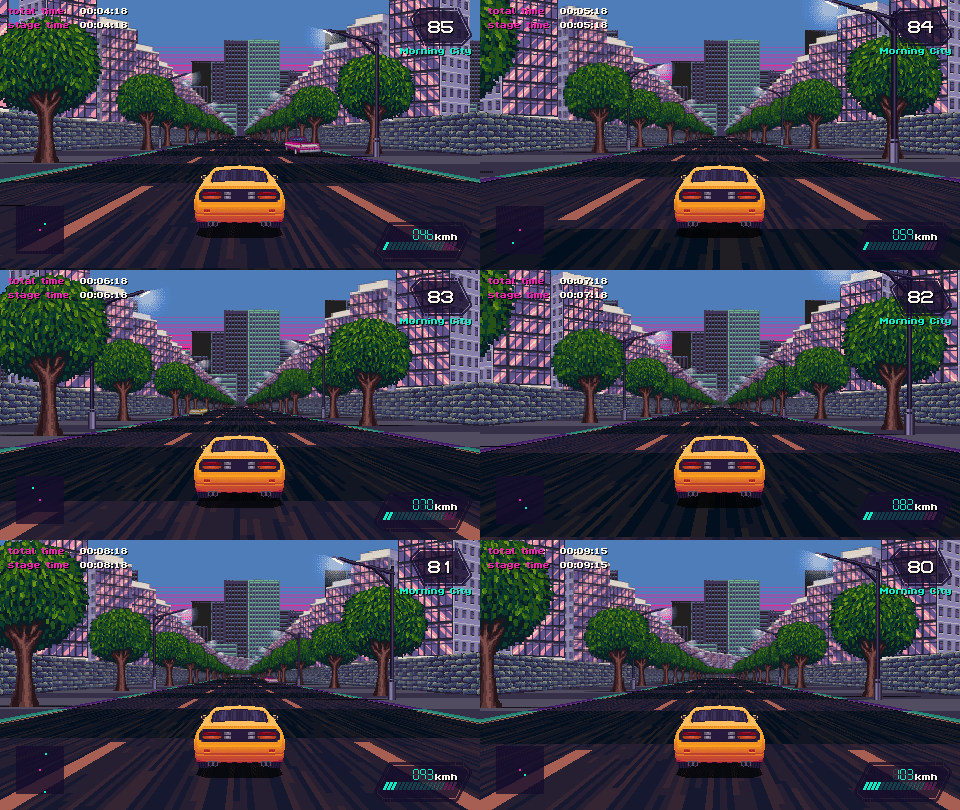
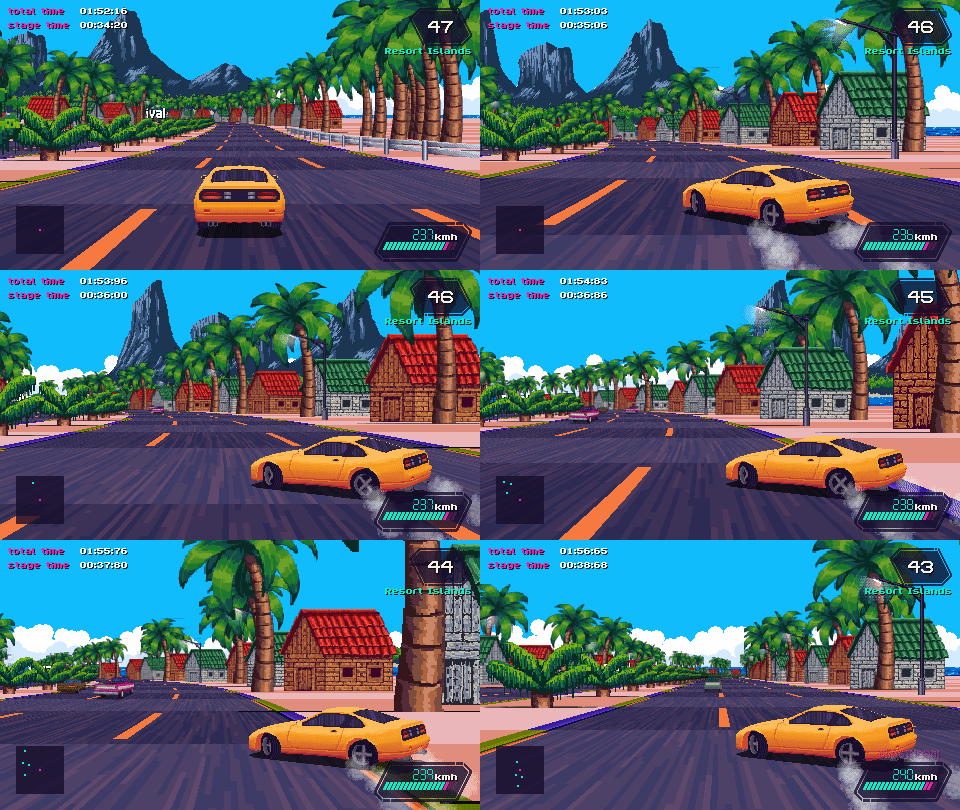
Slipstream is a racing game inspired by the visuals, music, games and cars from the late 80s and early 90s. It’s built on a custom game engine, with an authentic retro feel and unique graphics. The soundtrack, drawing from synthpop and jazz fusion influences, sets the tone for a race across a variety of exotic locations from all around the world, including cities, deserts, forests, mountains and beaches. Drifting and slipstreaming mechanics add depth to the driving gameplay, and the result is a challenging and exciting experience.
Features
- Authentic pseudo-3D game engine with 2D graphics, just like the glory days of the arcade racers.
- 20 Different tracks, set on a variety of exotic locations all around the world… and beyond.
- Local multiplayer up to 4 players!
- 6 Game modes:
- Grand Tour, a road trip through exotic landscapes, with branching paths and rivals to race against.
- Cannonball, a freely customizable race mode with optional traffic, rivals and other racers
- Grand Prix, a championship mode with five races back to back and money prizes used to upgrade your car!
- Single Race, just a race in any of the game’s 20 tracks
- Time Trial, a solo race against time
- Battle Royale, an elimination endurance race mode
- 5 Car models, each with its own specs and playstyle.
- Original soundtrack with 9 exclusive songs + you can add your own music.
- A variety of graphical options to customize the game’s visuals, including 30fps mode, CRT and NTSC filters.
System Requirements
- System: Windows 7 / 8 / 10, 64-bit
- Memory: 2 GB RAM
- Graphics: Intel HD Graphics 5000
- Storage: 500 MB available space
- Additional Notes: Requires a 64-bit processor and operating system
Slipstream Free Download
Additional Download Details
Free GOG PC Games PRESENTS:
Slipstream © ansdor / ansdor
We only provide full unmodified DRM-free GOG installers. No serial key, activation, or crack needed.
Latest we have v1.3.3r6 –> Check version info and changelog
Easy to Download, Install and Play
- Click the download button. You can also select a previous version if available.
- You’ll be redirected to Vidgazoo. Wait 5 seconds, then directly click the button or copy the link.
- Make sure you have a supported download client installed (it’s free here) before downloading.
- Once the download process reaches 100%, locate the downloaded files.
- Get ready for installation and make sure you have enough disk space for the game.
- To Install DRM-free Slipstream:
- Run or double-click
setup_slipstream_********.exeto launch the installer. - Follow the on-screen instructions to complete the installation.
- If a DLC folder is included, run any
.exefiles inside it as well.
- Run or double-click
- Once the installation is complete, launch the game and start playing.
Need help?
Check our FAQs for common questions and fixes. If you need additional assistance, you can also visit the official GOG Support Center.


