
Distrust
Distrust is a survival game set at an Arctic research station following a mysterious helicopter crash. You manage a group of survivors, allocating resources like food, fuel, and medicine while maintaining warmth and morale. The harsh environment and supernatural anomalies force tough decisions, as paranoia spreads among the team, threatening cooperation and increasing the risk of madness or betrayal.

Distrust Overview
Inspired by John Carpenter’s “The Thing.”
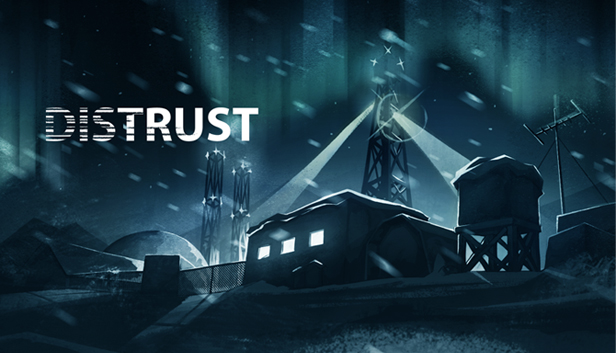
A helicopter crash left a group of explorers stranded near an Arctic base. As they try to find a way back, all they are doing is sinking deeper into a nightmare scenario. When they sleep, they attract a terrifying force that sucks the life out of their bodies, but the longer they battle exhaustion and stay awake, the less likely they are to survive…
As the survivors try to sleep just enough to stave off fatigue without dying, they slowly go mad and eventually reach the point where they can no longer trust their senses. In time, they can’t even tell the difference between reality and a hallucination.
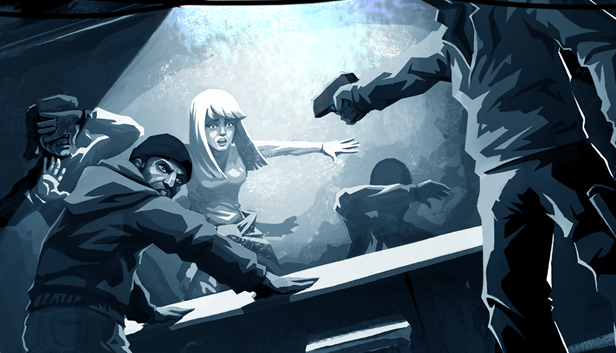
Guide the survivors through a randomly generated Arctic base, overcome the severe climate and fight the unfathomable!
- Gameplay involving an extreme climate
- Randomly generated levels
- 15 characters with unique skills and abilities
- Tons of quests, game events and plot twists
- Altered perception of reality: you cannot trust what you see
System Requirements
- System: Windows 7/8/10
- Processor: Intel Core i3 560 3.33 GHz or higher
- Memory: 4 GB RAM
- Graphics: GeForce 9600 GT/Radeon HD 3870 (512 MB
- DirectX: DirectX 9.0c
- Storage: 2 GB available space
- System: Windows 7/8/10
- Processor: Intel Core i5 2.6+ GHz
- Memory: 4 GB RAM
- Graphics: GeForce GTX 460/Radeon HD 6850 (1 GB)
- DirectX: DirectX 11
- Storage: 2 GB available space
Distrust Free Download
Additional Download Details
Free GOG PC Games PRESENTS:
Distrust © Cheerdealers / Alawar Entertainment
We only provide full unmodified DRM-free GOG installers. No serial key, activation, or crack needed.
Latest we have 1.1.5.2 –> Check version info and changelog
Instructions
- Click the download button. You can also select a previous version if available.
- You’ll be redirected to Vidgazoo. Wait 5 seconds, then directly click the button or copy the link.
- Make sure you have a supported download client installed (it’s free here) before downloading.
- Once the download process reaches 100%, locate the downloaded files.
- Get ready for installation and make sure you have enough disk space for the game.
- To Install DRM-free Distrust:
- Run or double-click
setup_distrust_********.exeto launch the installer. - Follow the on-screen instructions to complete the installation.
- If a DLC folder is included, run any
.exefiles inside it as well.
- Run or double-click
- Once the installation is complete, launch the game and start playing.
Need help?
Check our FAQs for common questions and fixes. If you need additional assistance, you can also visit the official GOG Support Center.


