
Wandersong
Wandersong is a musical adventure game where you play as a bard who uses singing to solve puzzles, befriend characters, and progress through the story. Explore a colorful, hand-drawn world filled with quirky characters and whimsical environments. Learn new songs by interacting with the world and use your voice to overcome obstacles, trigger events, and unlock new areas. The game emphasizes empathy and creativity as you help others through song-based interactions. Your journey involves rhythmic dialogue choices, environmental puzzles tied to melody, and a narrative about using kindness to change the world. Each chapter introduces new mechanics and musical themes that evolve with the story.

Wandersong Overview
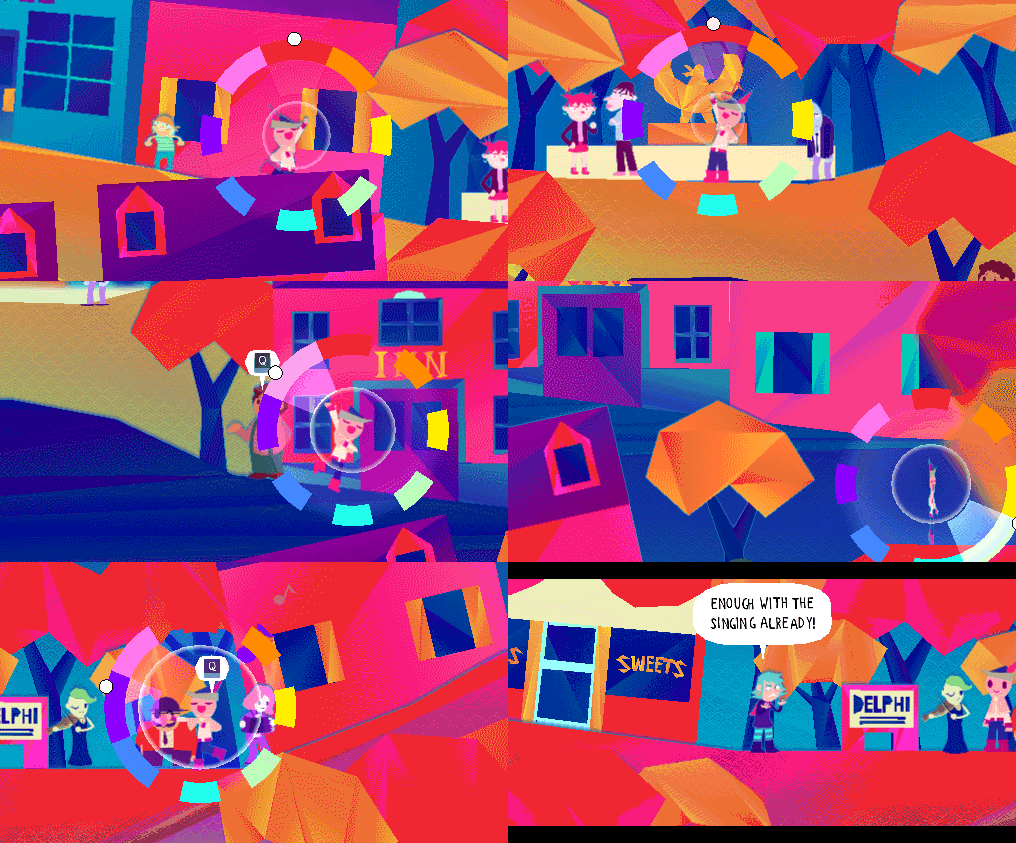
A musical adventure where you use singing to save the world! Play as a silly bard who embarks on a globe-trotting journey to learn about the mysterious Earthsong, said to be able to prevent the universe’s imminent end. Along the way there’s a huge cast of characters to meet, puzzles to solve and songs to sing!
In Wandersong you’re a walking musical instrument, and you use song to interact with everything. Different things respond to your music in different ways, so it’s up to you to sing your songs, unlock the world’s secrets and make new friends!
Mac release coming soon!
System Requirements
- System: Windows 7 / 8.1 / 10
- Processor: Not that intense
- Memory: 512 MB RAM
- Graphics: Not that good
- DirectX: DirectX 9.0
- Storage: 2 GB available space
- Additional Notes: This game is very good
Wandersong Free Download
Additional Download Details
Free GOG PC Games PRESENTS:
Wandersong © Greg Lobanov / Greg Lobanov
We only provide full unmodified DRM-free GOG installers. No serial key, activation, or crack needed.
Latest we have Patch 4 –> Check version info and changelog
Instructions
- Click the download button. You can also select a previous version if available.
- You’ll be redirected to Vidgazoo. Wait 5 seconds, then directly click the button or copy the link.
- Make sure you have a supported download client installed (it’s free here) before downloading.
- Once the download process reaches 100%, locate the downloaded files.
- Get ready for installation and make sure you have enough disk space for the game.
- To Install DRM-free Wandersong:
- Run or double-click
setup_wandersong_********.exeto launch the installer. - Follow the on-screen instructions to complete the installation.
- If a DLC folder is included, run any
.exefiles inside it as well.
- Run or double-click
- Once the installation is complete, launch the game and start playing.
Need help?
Check our FAQs for common questions and fixes. If you need additional assistance, you can also visit the official GOG Support Center.


