
Squirrel Stapler
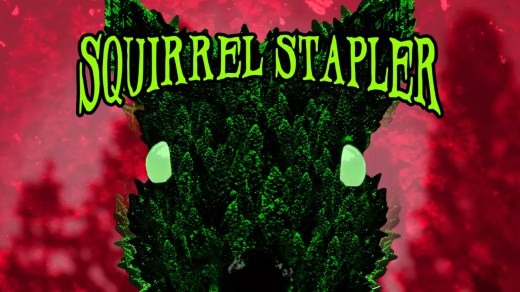
Squirrel Stapler is a short first-person horror hunting game that mixes dark comedy with increasingly disturbing absurdity. Living alone in a remote cabin, you venture into the surrounding forest to hunt squirrels for a bizarre personal mission while something far more dangerous begins watching from the woods. Move quietly, hide in bushes, track your prey, and use a squirrel call to lure larger targets. Explore a nonlinear forest filled with strange discoveries and educational squirrel facts while avoiding hostile wildlife, vengeful spirits, and the sinister presence enforcing one unsettling rule: do not staple squirrels.
Show 1 more game badges
System Requirements
- System: Windows 10
- Processor: CPU with SSE2 instruction set support
- Graphics: Graphics card with DirectX 10 (Shader Model 4.0) capabilities
- DirectX: Version 10
- Sound: N/A
Squirrel Stapler Free Download
Additional Download Details
FreeGOGPCGames PRESENTS:
Squirrel Stapler © David Szymanski / David Szymanski
We only provide full unmodified DRM-free GOG installers. No serial key, activation, or crack needed.
Latest we have –> Check version info and changelog
Interface language : English
Voice language : English
Easy to Download, Install and Play
- Click the download button. You can also select a previous version if available.
- You’ll be redirected to Vidgazoo. Wait 5 seconds, then directly click the button or copy the link.
- Make sure you have a supported download client installed (it’s free here) before downloading.
- Once the download process reaches 100%, locate the downloaded files.
- Get ready for installation and make sure you have enough disk space for the game.
- To Install DRM-free Squirrel Stapler:
- Run or double-click
setup_squirrel_stapler_********.exeto launch the installer. - Follow the on-screen instructions to complete the installation.
- If a DLC folder is included, run any
.exefiles inside it as well.
- Run or double-click
- Once the installation is complete, launch the game and start playing.
Need help?
Check our FAQs for common questions and fixes. If you need additional assistance, you can also visit the official GOG Support Center.


